DeviceMaster Installation and Configuration Guide: 2000594 Rev. F Device Driver (NS-Link) Installation - 55
Configuring the NS-Link Driver for Windows
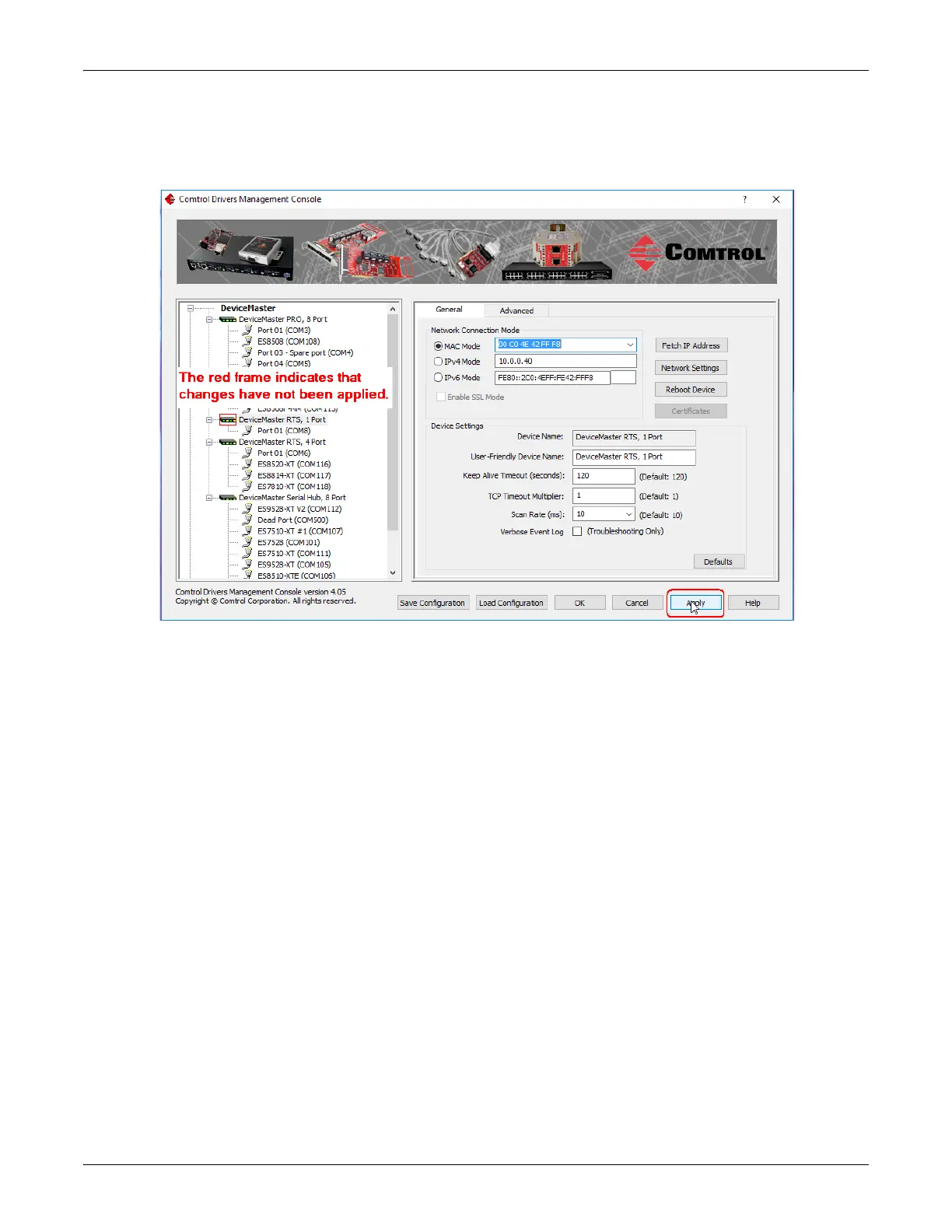
4. Click Apply to program the driver with the MAC address of the DeviceMaster or Ok to save the change
and close the Drivers Management Console.
If you do not Apply the changes before leaving this screen, you will be prompted to Apply, Ignore, or Cancel
the changes.
• Now that the MAC address has been associated to the DeviceMaster, you can use the Network Settings
screen to:
- Change the IP address, set the DeviceMaster to DHCP, or Disable IP communications using the
Network Settings button
- Reboot the DeviceMaster on the General tab
- Access network statistics on the Advanced tab



 To Next Page