100
Getting started with the Backup Player
Archive
Viewer
Viewing archived footage from a PC/Laptop
1. After the footage has been archived from a DVR, it can be viewed on a
PC/laptop.
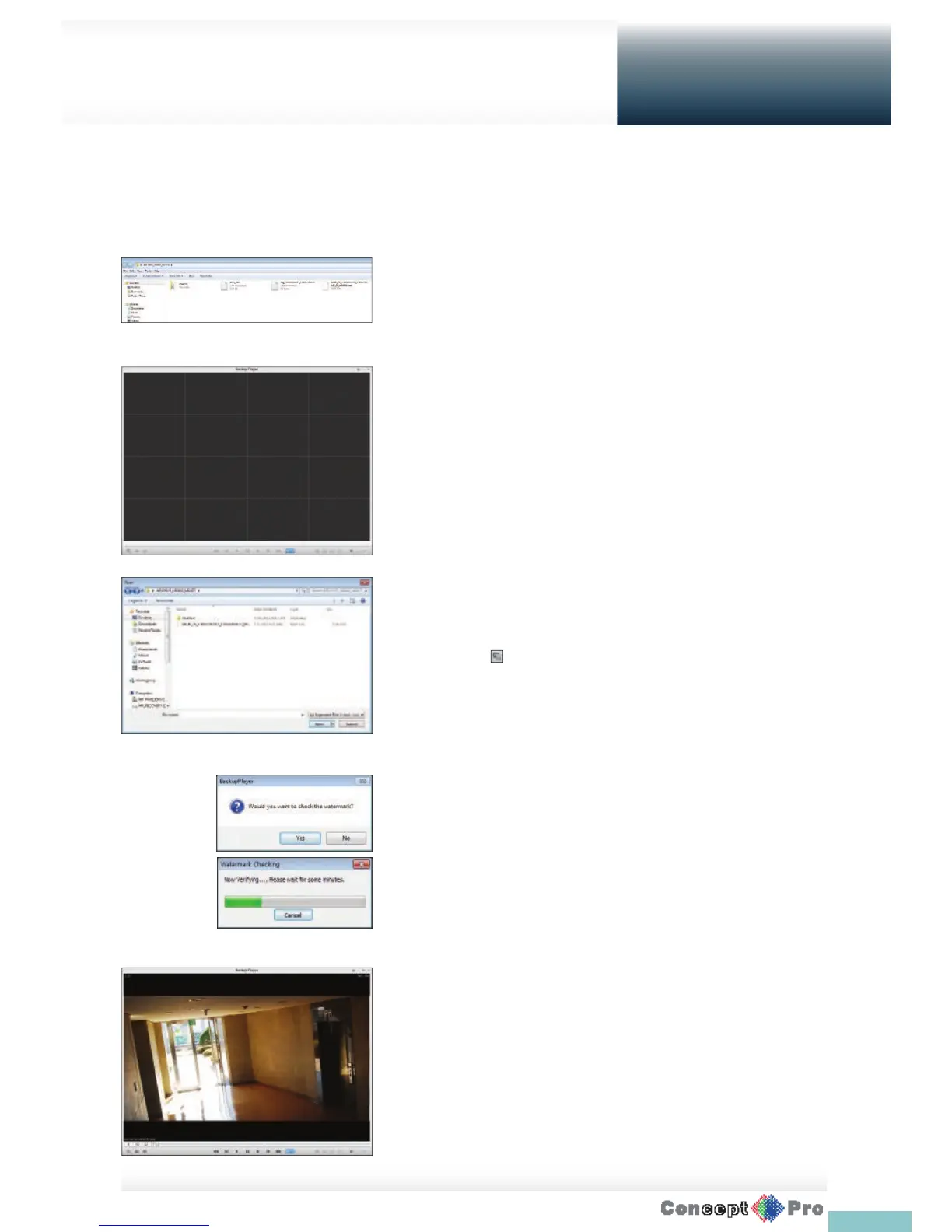
Insert the USB stick containing the archive in the PC and view the contents
using windows explorer.
2. Run the Backup Player.
3. Click < > in the bottom left corner to display the le browser. Select
the archived le to play.
4. Check the integrity of the archived le.
5. When done, the archived le will be played on the screen.
You can play the data archived in the DVR.
You can play the HDD data recorded by the DVR.



 To Next Page