66
Time Search
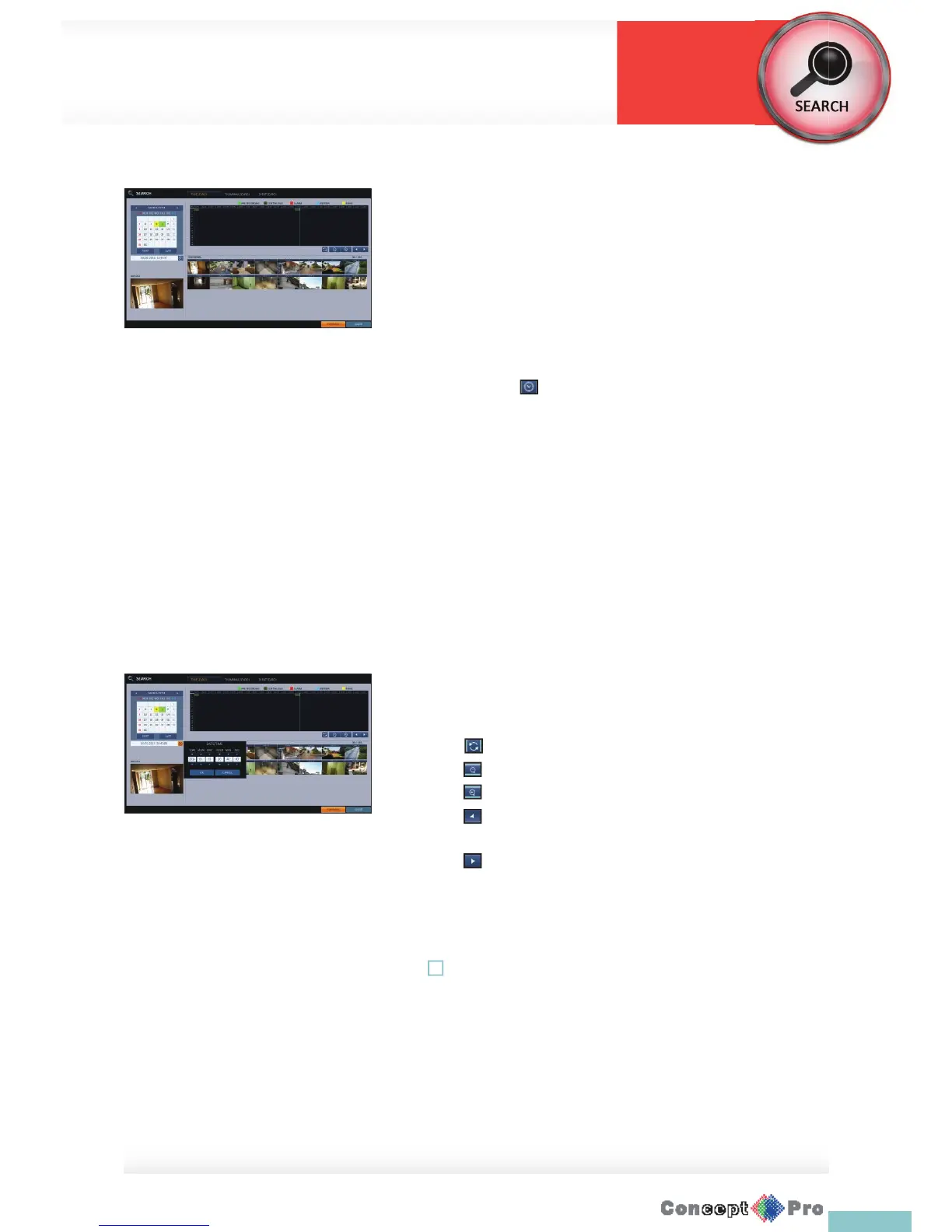
With the calendar, you can search for the recording data by the recorded
date.
1. From the <SEARCH> menu, select <TIME SEARCH>.
2. Use the [pqtu] buttons on the remote control or use the mouse to
specify the search date and time from the calender on the left corner of
the screen.
> FIRST: The rst date of recording is automatically selected.
> LAST: The last date of recording is automatically selected.
> Press to display the time selection menu where you can
specify the time and date.
3. You can identify the type of recording data in the colour bar:
> Yellow green (Pre recording): The pre-recording is performed
on the recording data after you set the <PRE RECORDING TIME>
from <OPERATION MODE>.
> Green (Continuous): The continuous recording is performed on the
recording data.
> Red (Alarm): The alarm event recording is performed on the
recording data.
> Blue (Motion): The motion event recording is performed on the
recording data.
> Yellow (Panic): The panic manual recording is performed on the
recording data.
4. Click to move to a desired start time in the time bar or use
the buttons at the botom of the satus bar to search
> Recall the recording data.
> Expand the timeline of the time bar to a greater unit of time
> Collapse the timeline of the time bar to a smaller unit of time.
> Use this to move to a previous time that is hidden in the
timebar as it is expandedt o a greater time unit
> Use this to move to a next time that is hidden in the time bar as it
is expanded to a greater time unit.
5. Click a thumbnail channel or use the [pqtu] buttons on the remote
control to move to a desired channel and press [ENTER]. You can check
the video in <PREVIEW>.
! Click to move to a desired time, or simply double-click a desired time in
the time bar to play the video data on that time.
6. Press the [ENTER] button again on the remote control with the mouse, or
simply double-click on the channel.You will move to the playback screen.
7. If you want to stop playing and return to the search screen, press [EXIT]
or [SEARCH] on the remote control. You can also click <MENU> in the
lower left corner and select a desired menu.
Search Settings
Search



 To Next Page