16
Live Screen at a glance
Getting
Started
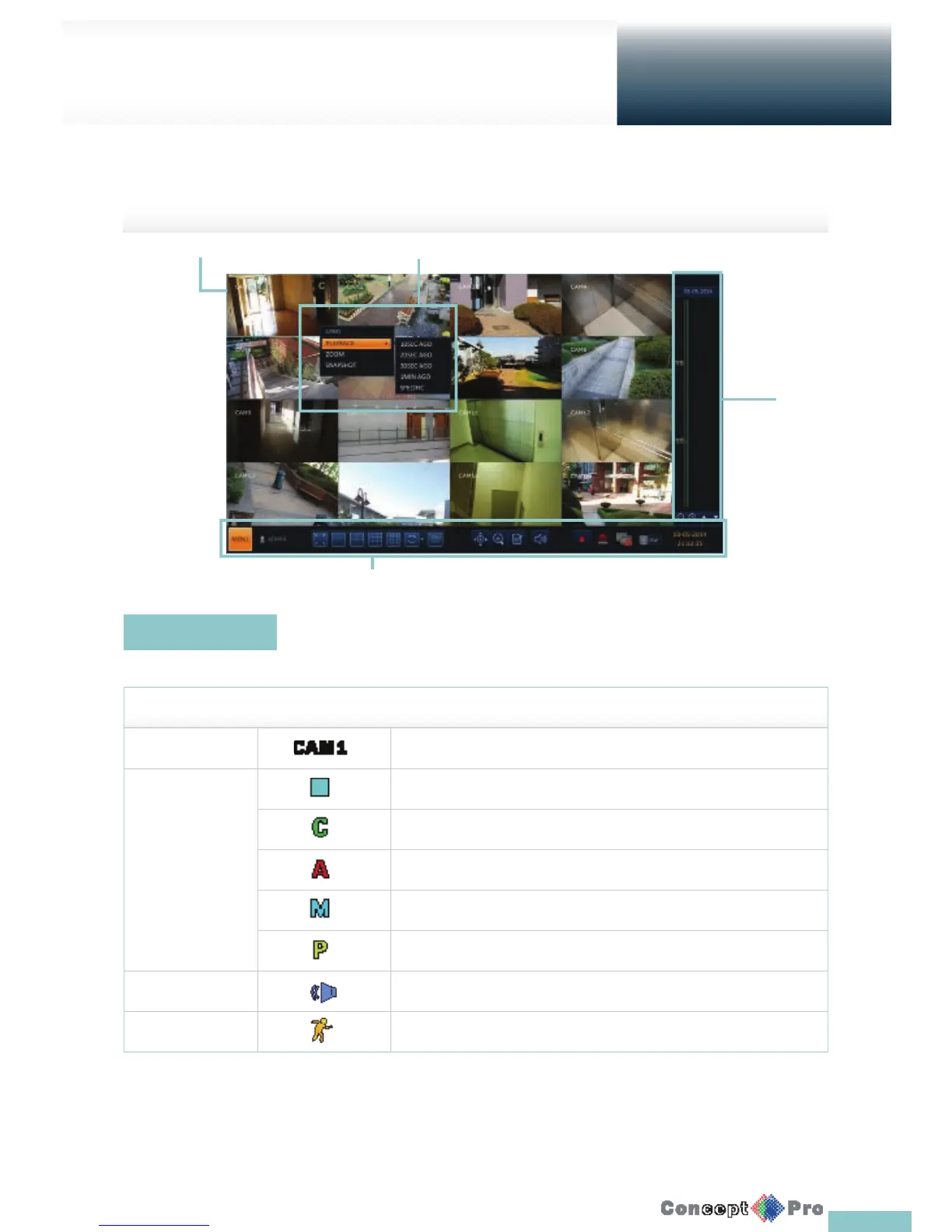
The live screen largely consists of four components: video window, status bar, timeline zone and quick menu
Icons used in the video window.
ITEM Description
Camera ID Show the camera ID.
Record Mode Icons Displayed if an event recording is reserved.
Display if continuous recording is active
Display if an alarm recording is active.
Display if a motion event recording is active.
Display if emergency recording is active.
Audio I/O Icons Displays if the audio signal of the connected camera is operational.
Motion Detection Icon Displays if motion detection is active.
Video Window
Video Window
Quick Menu
Timeline
Status Bar



 To Next Page