92
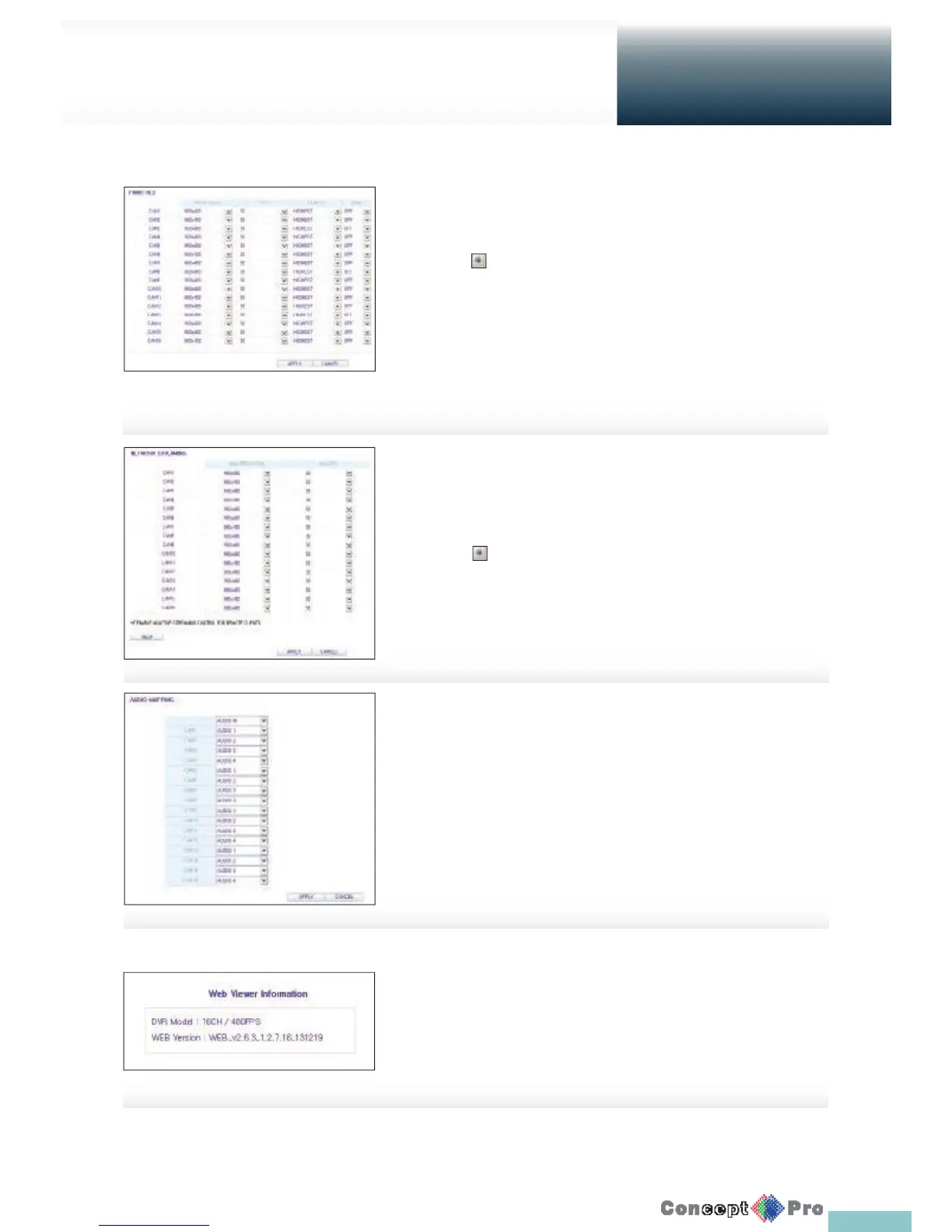
Panic Recording
From the <PANIC RECORD> menu, you can set the resolution, FPS, quality
and audio settings to your preference.
Click < > next to each item to display the list of values available.
When you have completed the manual record settings, click <APPLY> to
apply the changes.
R For more information about the manual record settings, refer
to “Panic Recording”. (page 64)
Network Streaming
You can specify the maximum size of network streaming and video resolution
for remote users and change the FPS.
Click < > next to each item to display the list of values
available.
When done, click <APPLY> to apply the settings.
R For more information about Network streaming, refer to
“Network Streaming”. (Page 64)
About
Click the <INFORMATION> tab to check the model name of
the VXH960 as well as the web viewer version.
Audio Mapping
You can specify the audio channel for each video channel.
R For more information on Audio Mapping refer to “AUDIO MAPPING”.
(Page 64)
Setup
Web Viewer



 To Next Page