102
Image Capture
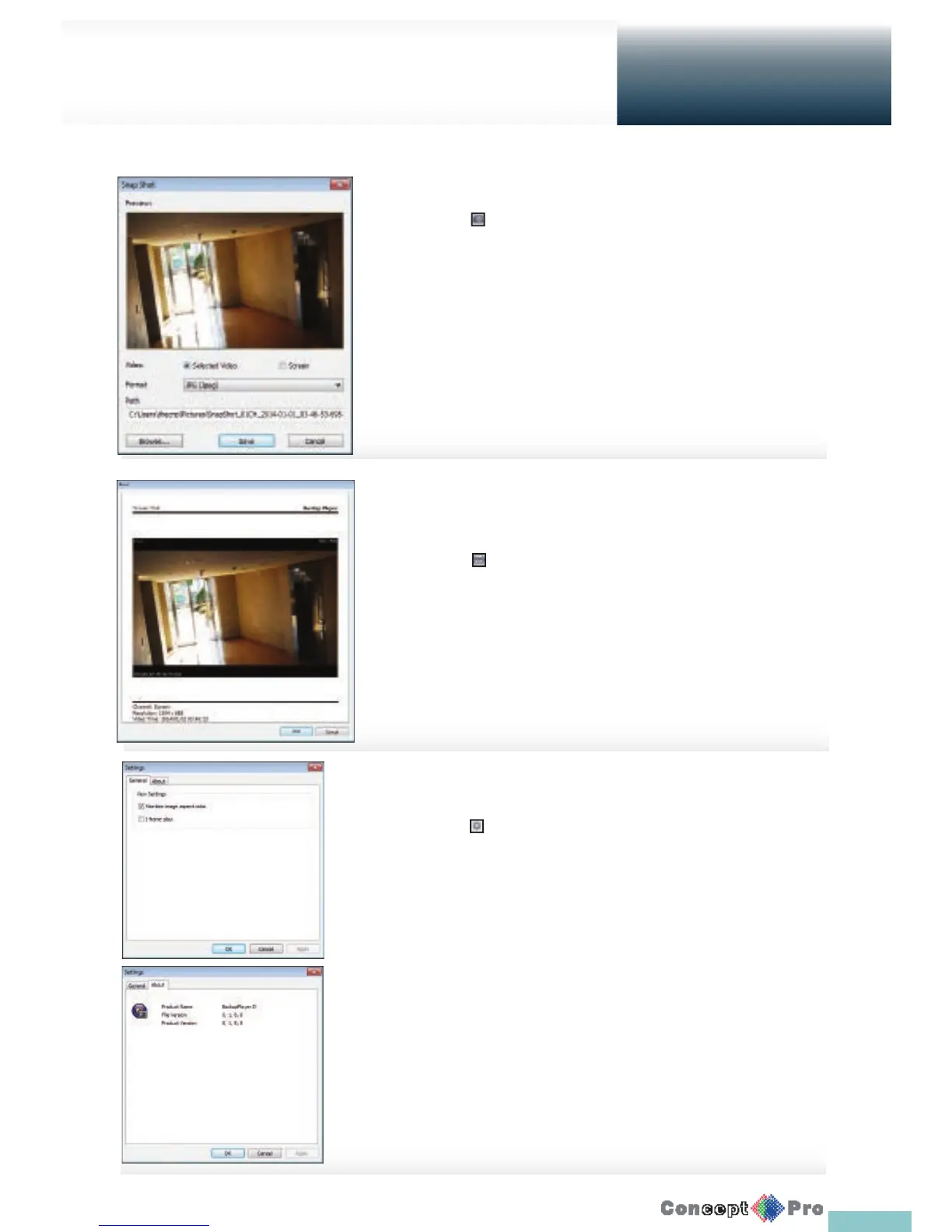
Click < > to create a snapshot
> Selected Video: Capture the current viewing frame.
> Screen: Captures the correct aspect ratio.
> Format: Select a saving format. (BMP, JPG, PNG)
> Path: Specify the saving path.
Default location: My documents/My pictures.
Settings
Click < > to con gure the Backup Player settings.
You can check the version of the Backup Player.
> Maintain image aspect ratio: Preserve the aspect ratio of the
image.
If you do not mark this option, the image will be adjusted to t the screen.
> I-frame play: Plays i-frames (key frames) of the video.
> About: You can check the program information including the
current version.
Print Out
Click < > Button to print out the image.
When the “Print” window appears, check the preview and
click <Print>.
Getting started with the Backup Player
Archive
Viewer



 To Next Page