73
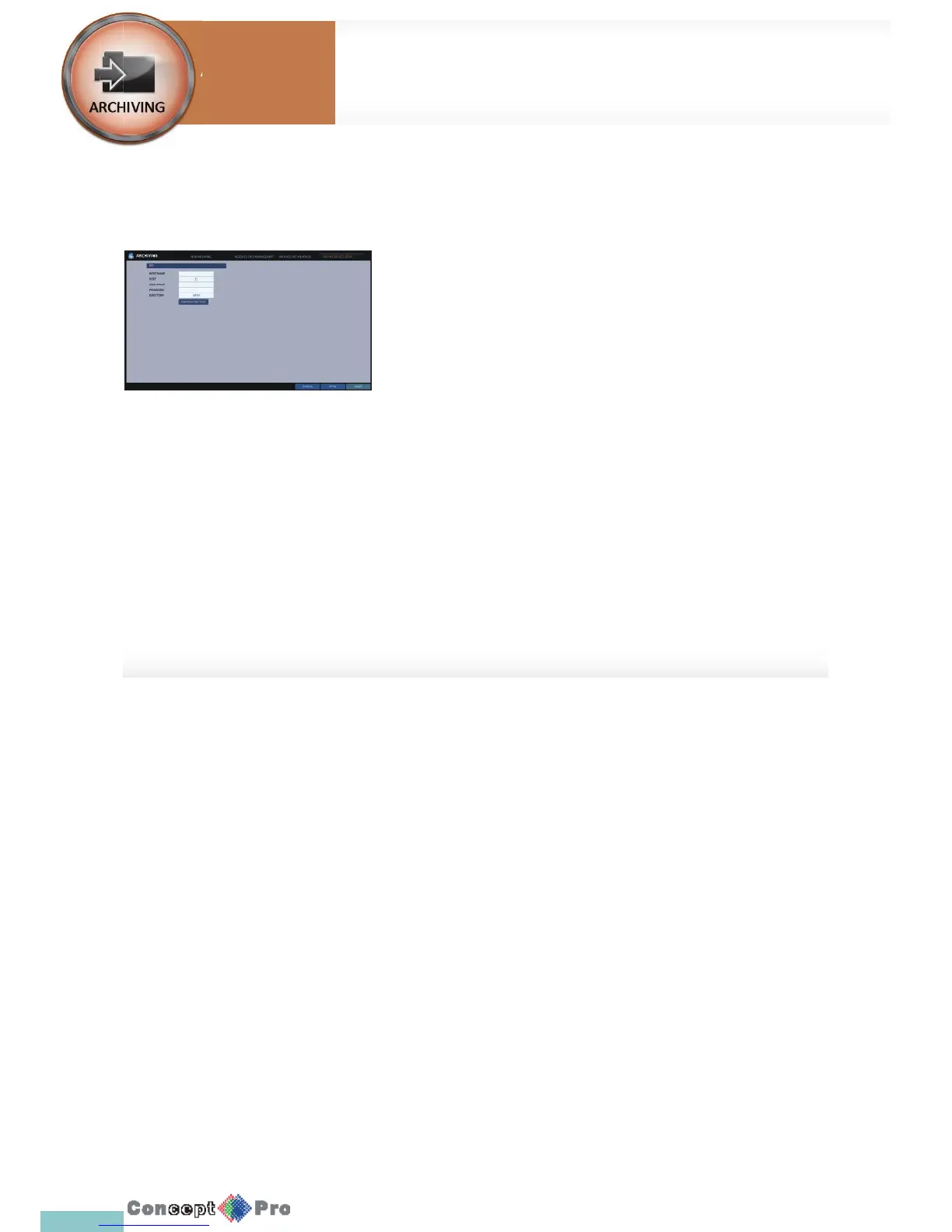
Archive Devices Setup
Provide the FTP server information for archiving data in the HDD before
testing the transfer.
1. From the <ARCHIVING> menu, select <ARCHIVE DEVICES SETUP>.
2. Move to the FTP information box.
3. Fill in each item using a virtual keyboard.
> HOST NAME: enter the address at which you can access the
server.
> PORT: enter the port number to which you can access the server.
> USER NAME: enter the user ID with which you can
access the server.
> PASSWORD: enter the connection password.
> DIRECTORY: specify the archiving path.
4. When all information is lled, click <CONNECTION TEST> to check the
connection status.
5. To apply the change, click <APPLY> in the bottom of the screen.
6. When done, press the [EXIT] button on the remote control or click
<CLOSE> in the lower screen. The con rmation message appears and
you will return to the previous menu.
System
Settings
To start the Archive
Archiving



 To Next Page