46
System Information
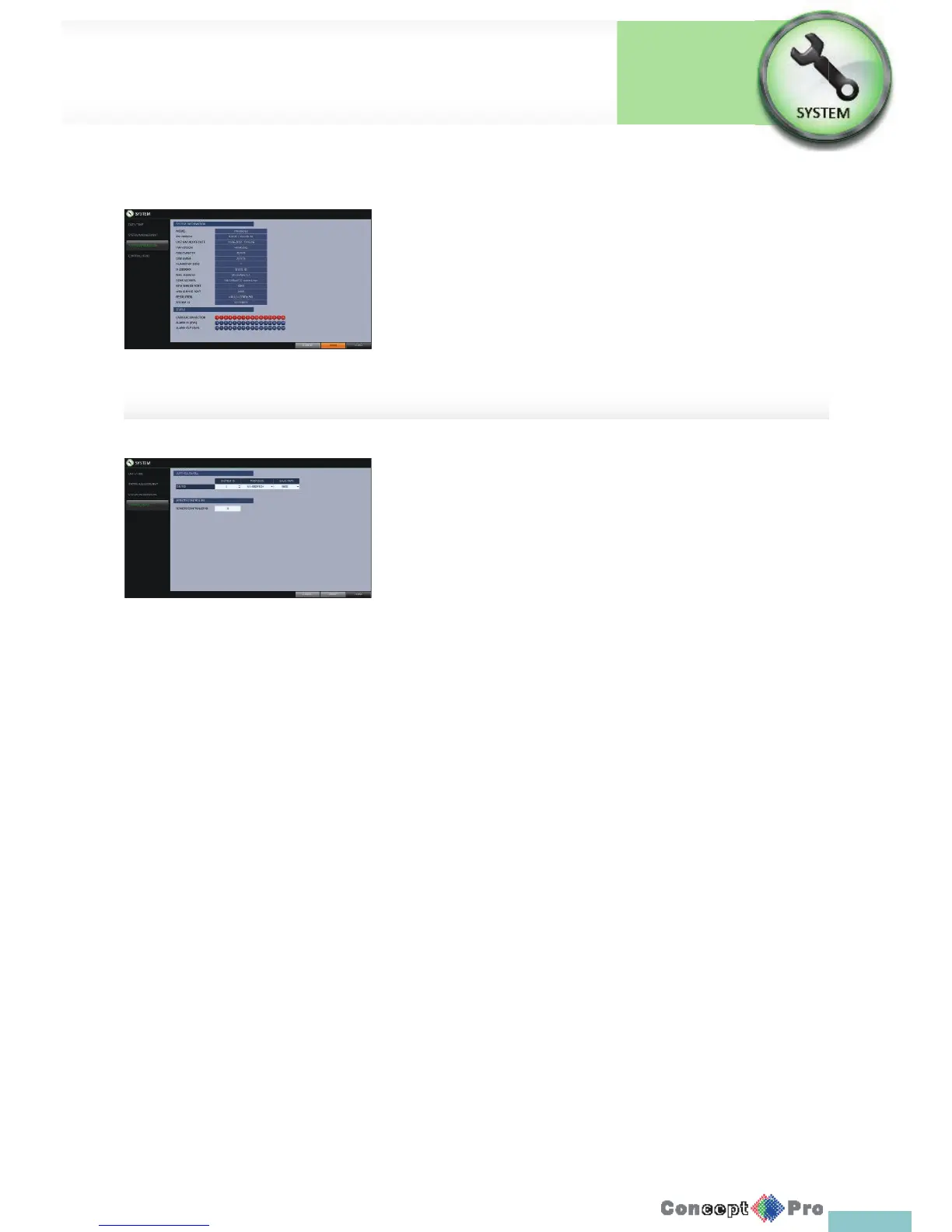
You can check the current system version and system-related settings.
1. From <SYSTEM SETUP> - <SYSTEM>, select
<SYSTEM INFORMATION>.
2. Check the status of the current system.
3. When done, press the [EXIT] button on the remote control or click
<CLOSE>. The con rmation message appears and you will return to
the previous menu.
Control Device
Con gure the settings of the remote control and keyboard controller.
R This function is provided for controlling individual DVR separately
to using a control device or remote control, in case the site has
multiple DVRs of the same model.
1. From <SYSTEM SETUP> - <SYSTEM>, select
<CONTROL DEVICE>.
2. Use the [pqtu/ENTER] buttons on the remote control
or use the mouse to set the connection options for the control device.
> SYSTEM ID: Set the ID of the VXH960 so that the keyboard
controller can control the correct VXH960.
> PROTOCOL: Set up the protocol of the keyboard controller.
> BAUD RATE: Specify the RS485 communication speed.
> REMOTE CONTROLLER ID: Set the ID of the remote control.
3. To apply the change, click <APPLY> in the bottom of the screen.
4. When done, press the [EXIT] button on the remote control or click
<CLOSE> in the lower screen. The con rmation message appears and
you will return to the previous menu
System Setup
System
Settings



 To Next Page