45
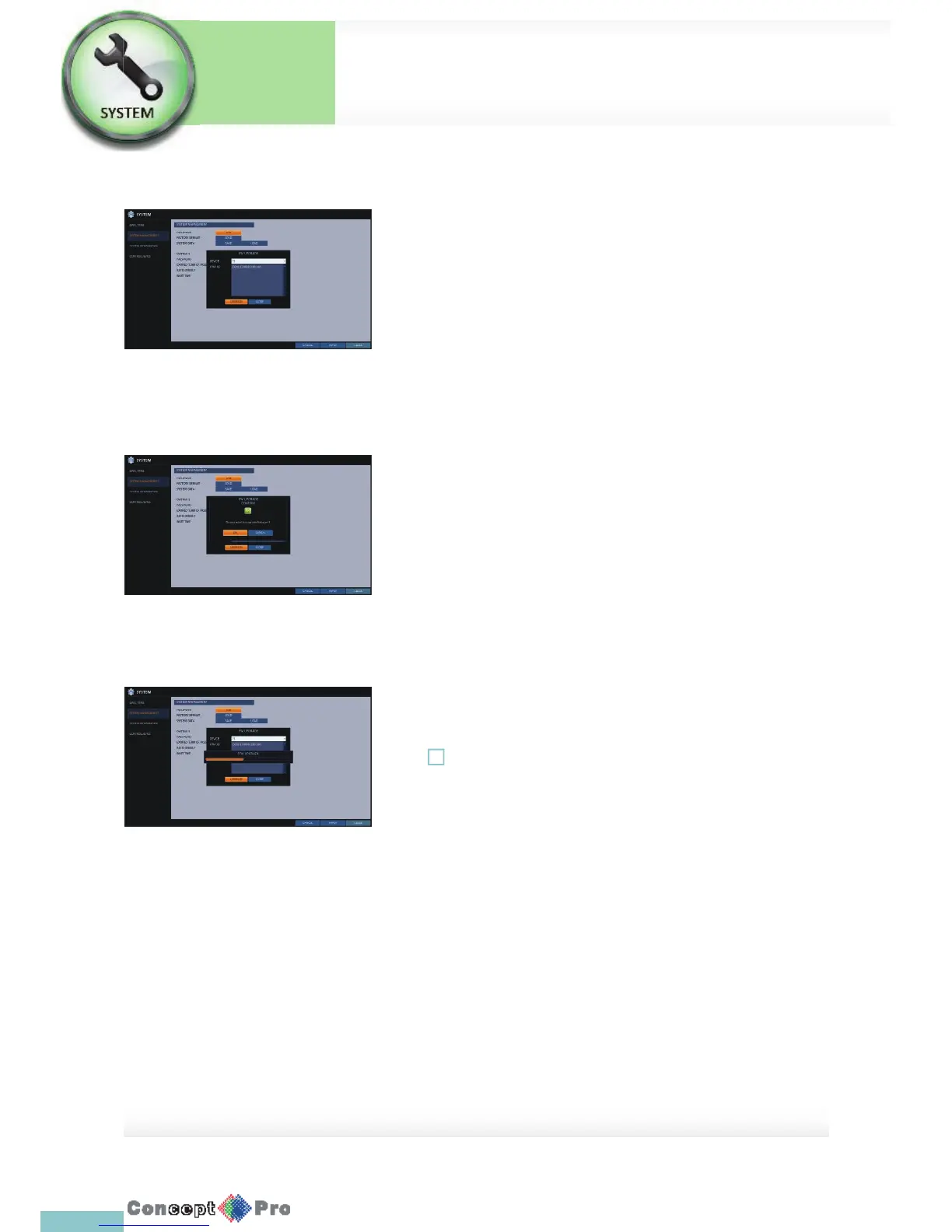
To perform the upgrade
You can check, update or reset the system information.
1. Connect the USB storage device that contains the
updatable les.
2. Click <USB>.
3. Select one(s) from the updatable les LIST listed in <F/W >.
4. Click <UPGRADE>.
5. When the con rmation message appears, click <OK>.
6. The progress bar displays the progress of the rmware upgrade process.
7. When the upgrade is complete, reboot the system.
! If the DVR is turned off while the rmware upgrade is in progress, this
can cause a serious damage to the DVR and it may not work correctly
when turned on again.
System Setup
System
Settings



 To Next Page