23
Live Screen at a glance
Getting
Started
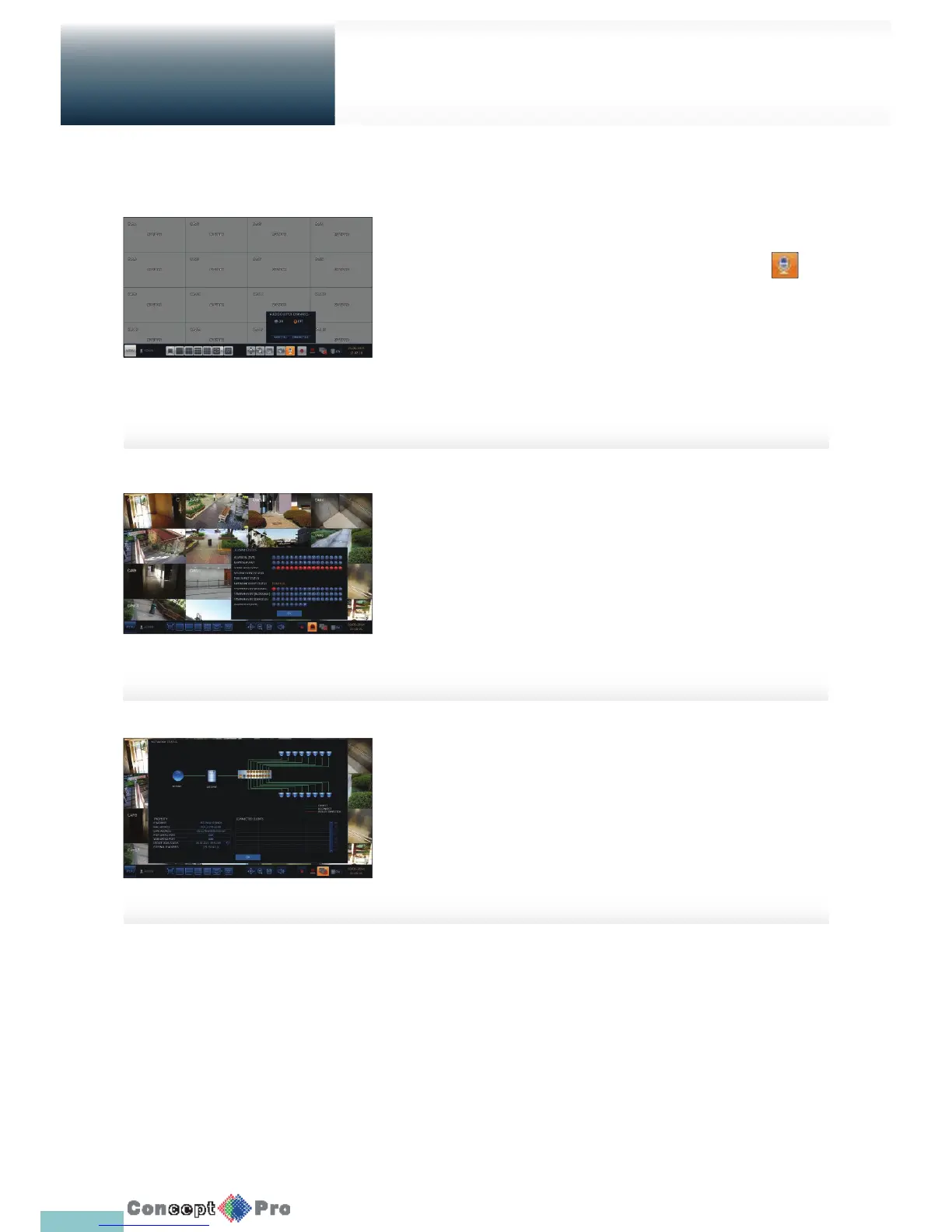
To select an audio output channel
Select the audio output from a connected microphone by clicking
Alarm status
You can check alarms and events from each camera and the system.
Click <OK> to close the window.
Network status
Shows connection status of cameras and network devices.
Click to display detailed information on current users and network
connections.
Click <OK> to close the window.
R For more information, refer to “Network Status”. (page 42).



 To Next Page