70
Playing back
Playback
Bookmarking
During playback, you can add a bookmark for reserving the video data.
You can view the bookmarked data in the Archive menu, which can be
saved to a connected device for the backup
purpose.
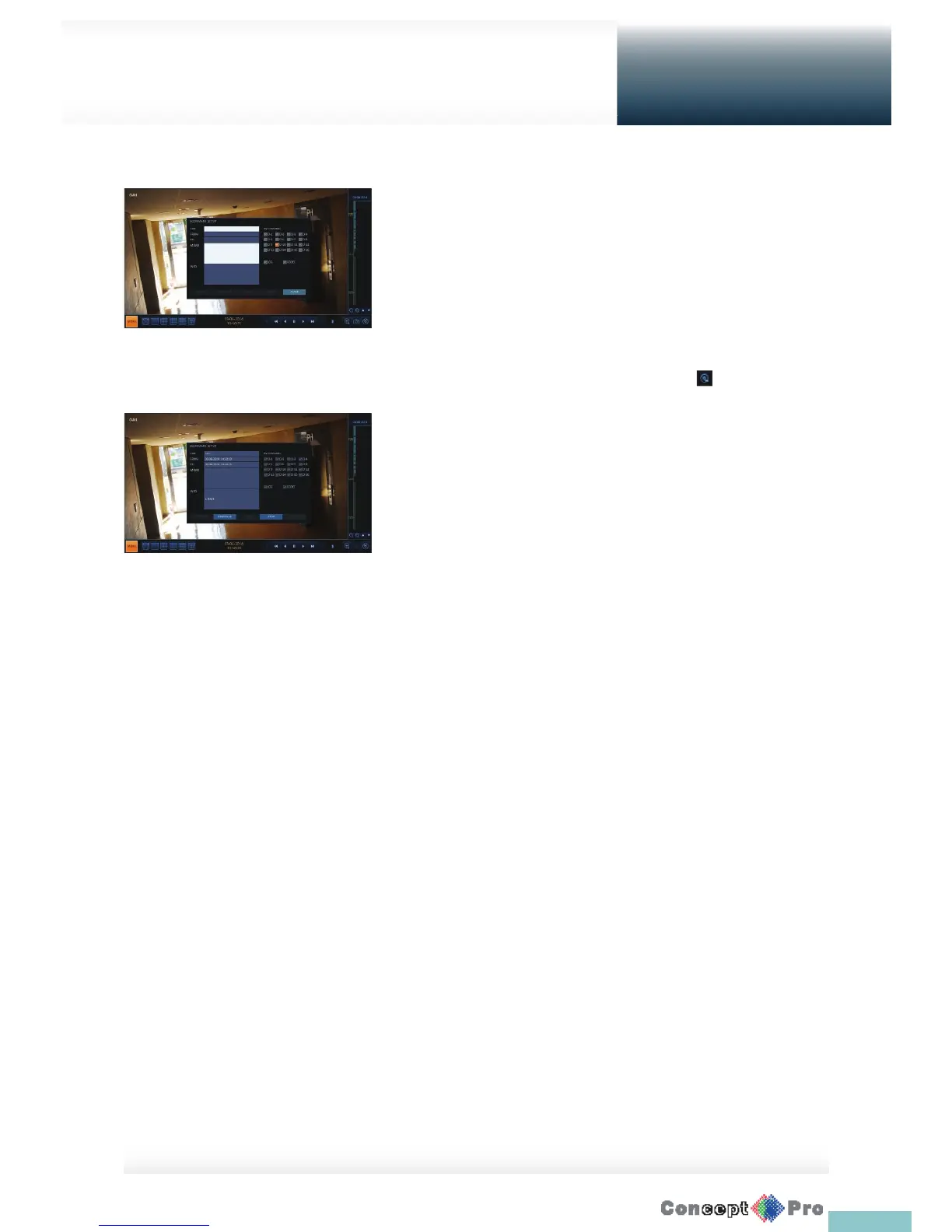
1. Provide a tag in the <TAG> item for data reservation.
2. Provide the details of the reserved data in the <MEMO> input box.
3. Click <START>.
You will return to the play screen with the backup progress.
4. To stop the bookmarking, click <BOOKMARK ( )>.
5. To quit the bookmarking, click <STOP>.
To continue with bookmarking, just click <CONTINUE>.
6. Click <RESERVE>.
You can export the reserved data to a connected storage device using
the <ARCHIVE> menu.
R What is the <RESERVE> function?
With the <RESERVE> function, you can reserve data even in overwrite
mode. This is useful if you want to backup data but you have no backup
device available such as USB memory.
If you use “Reserve”, the recording days will be compromised. When
you have backed up the reserved data to an external device, it is
recommended to delete the internal reserved data.



 To Next Page