74
What is the web viewer?
Web Viewer
Connection
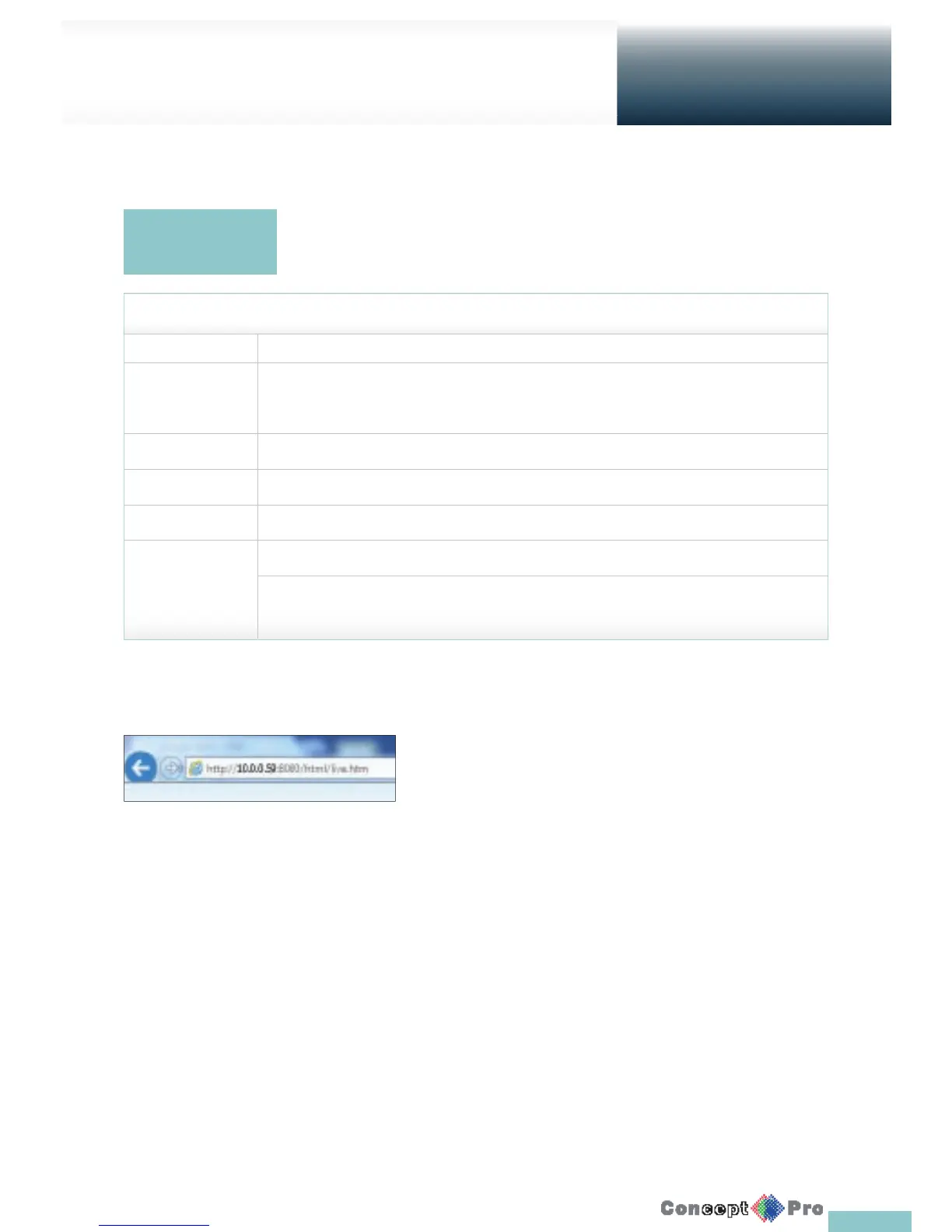
Open a browser and enter the IP address of DVR, or type the URL in the
address bar.
To connect to the VXH960 from inside
> Check the “Network Status” and verify the <IP ADDRESS> and
<WEB SERVICE PORT> of the DVR (page 42)
> Enter the IP address and web service port in the address bar of
the browser. Ex) http://192.168.1.200:8080
To connect to the VXH960 from outside
Using the IP address
> Check the “Network Status” and verify the <EXTERNAL IP ADDRESS> and <WEB SERVICE PORT> of the DVR. (page 42)
> If using a xed (external) IP, enter the external IP that is speci ed in the DVR in the address bar of the web browser.
Ex) “http://222.112.4.48:8080”
Using the URL
> Check the “Network Status” and verify the <DDNS ADDRESS> and <WEB SERVICE PORT> of the DVR. (page 42)
> Enter the DDNS address and web service port in the address bar of the browser. Ex) http://00115f123456.dvrlink.net:8080
R In the router network, you have to set the “Port Forwarding” and “DMZ Setting” to allow access from outside.
R For the necessary settings of the router, refer to the user manual of the router or contact the manufacturer of the router
Web RA is a user-friendly software application that enables you to control the video data in connection with a remote DVR.
The following is the minimum hardware and operating system requirements to run Web RA.
ITEM Description
Operating System Windows XP Professional , Windows Vista Home Basic / Premium, Window 7
Web browsers: Internet Explorer 7.0 or later/Mozilla Firefox 3.6/Google Chrome 4.1/Opera 10
Some web browsers other than Internet Explorer may not fully function.
CPU Intel Pentium 4 / 2.0 GHz
Memory 512 MB
Display 16-bit 1024 x 768 High Color
Hard Disk Drive 50MB (space required for installing the web viewer)
* Additional HDD space is required for saving your recordings. The le size of your recording may diff er depending
on the speci ed quality.
System
Requirements



 To Next Page