84
Setup
Web Viewer
DISPLAY
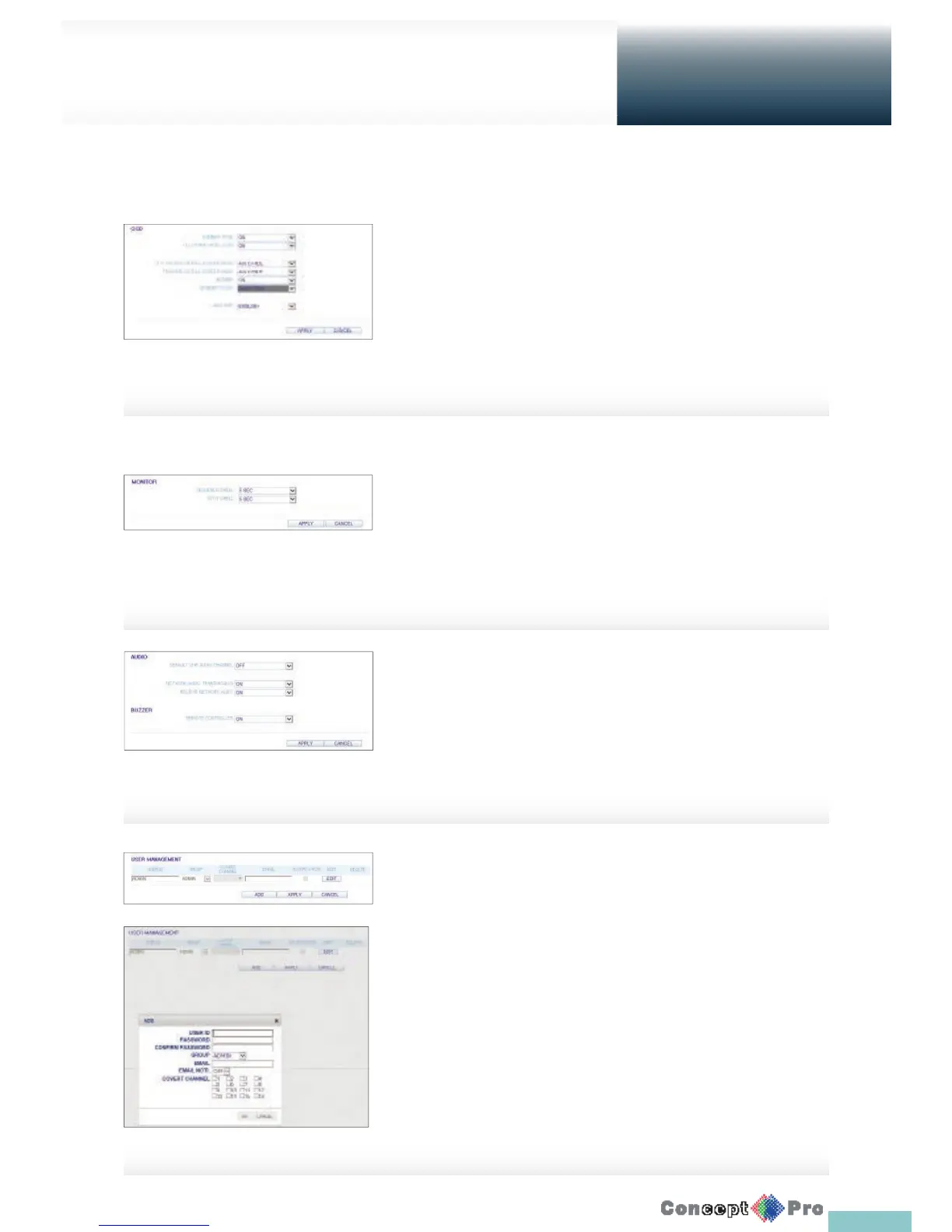
OSD Setting
Con gure the settings for the time, title, boarder line, icon and language
that will be displayed on the screen. Make changes to each item of the OSD
menu and click <APPLY> to apply the changes.
R For details about each displayed item, refer to “OSD”. (page 32)
AUDIO
Audio/Buzzer
You can con gure the settings of the voice and audio signal.
R For details about each displayed item, refer to “Audio Setup”.
(page 36)
USER
User Management
To add a user account and change the password.
R For details about each displayed item, refer to “User Setting”.
(page 37)
To add a user, click <ADD> and provide the user information.
If you want to delete the user click <DELETE> next to it.
When done, click <APPLY> to apply the change.
Monitor Settings
To set the interval of an active sequence. Specify the interval and click
<APPLY> to apply it.
> Sequence Dwell: Switching time from one channel to the next
channel in single screen mode.
> SPOT DWELL: It means the interval between the view types when
displaying the SPOT Out monitoring screen.



 To Next Page