87
Setup
Web Viewer
STORAGE
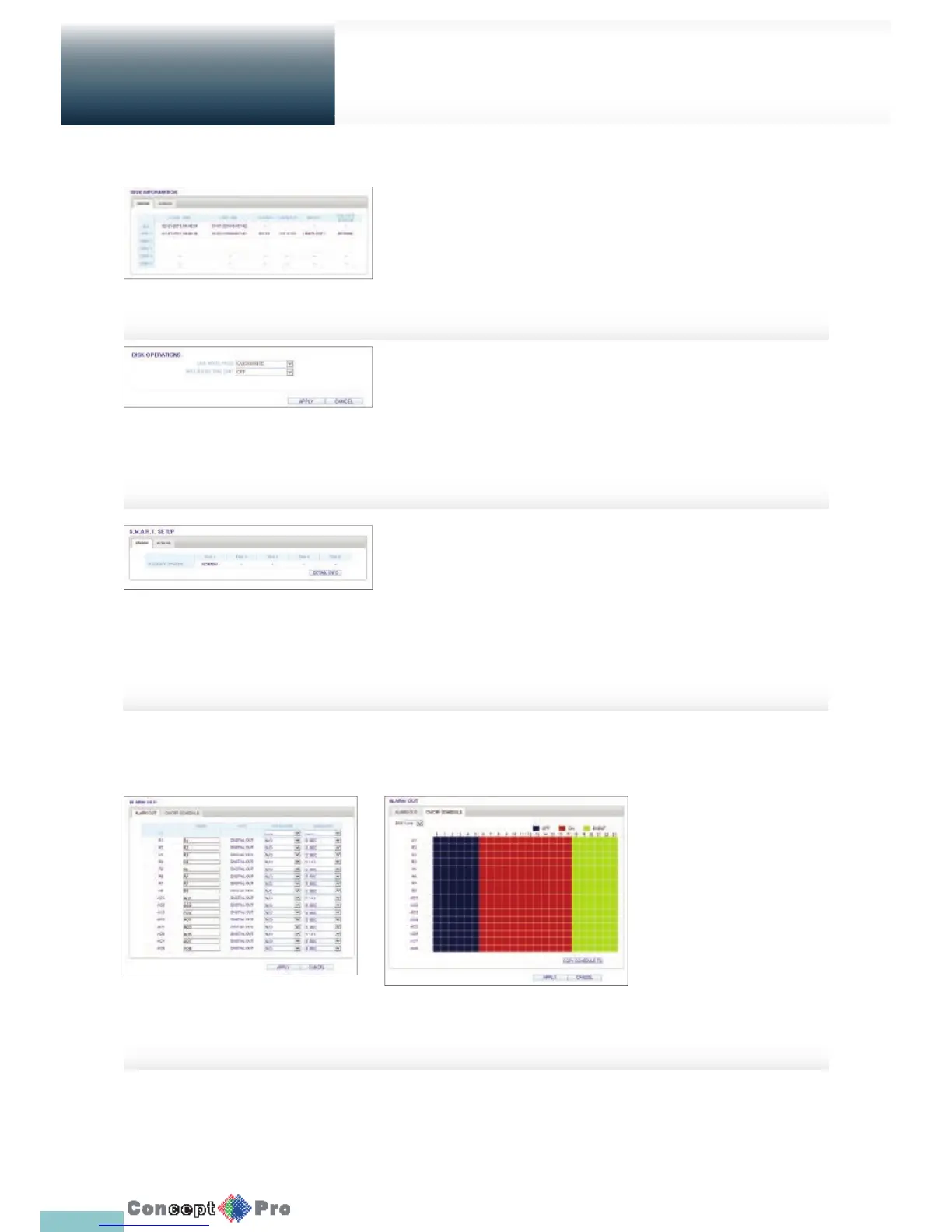
Device Information
You can check a list of internal/external storage devices connected to the
VXH960 as well as the recording time information of each device.
R For more information on Storage refer to “Storage”. (page 47)
Disk Operations
To check the disk write mode and the recording time limit.
R For more inforation about Disk Operations refer to “Disk Operations”.
(Page 48)
S.M.A.R.T Status
You can check the S.M.A.R.T status for each of the internal
and external devices.
R What is S.M.A.R.T?
S.M.A.R.T. (Self Monitoring, Analysis, and Report Technology) is to
detect a HDD that is likely to cause problems in the future with a warning
message. For more information about S.M.A.R.T. refer to “S.M.A.R.T
Settings”. (Page 49)
Alarm Output
Specify the alarm output conditions
with the work schedule. When done,
click <APPLY> to apply the changes.
R For more information about
the alarm output and ON/OFF
schedule, refer to “Alarm Out”.
(page 50)
EVENT



 To Next Page