79
Live
Web Viewer
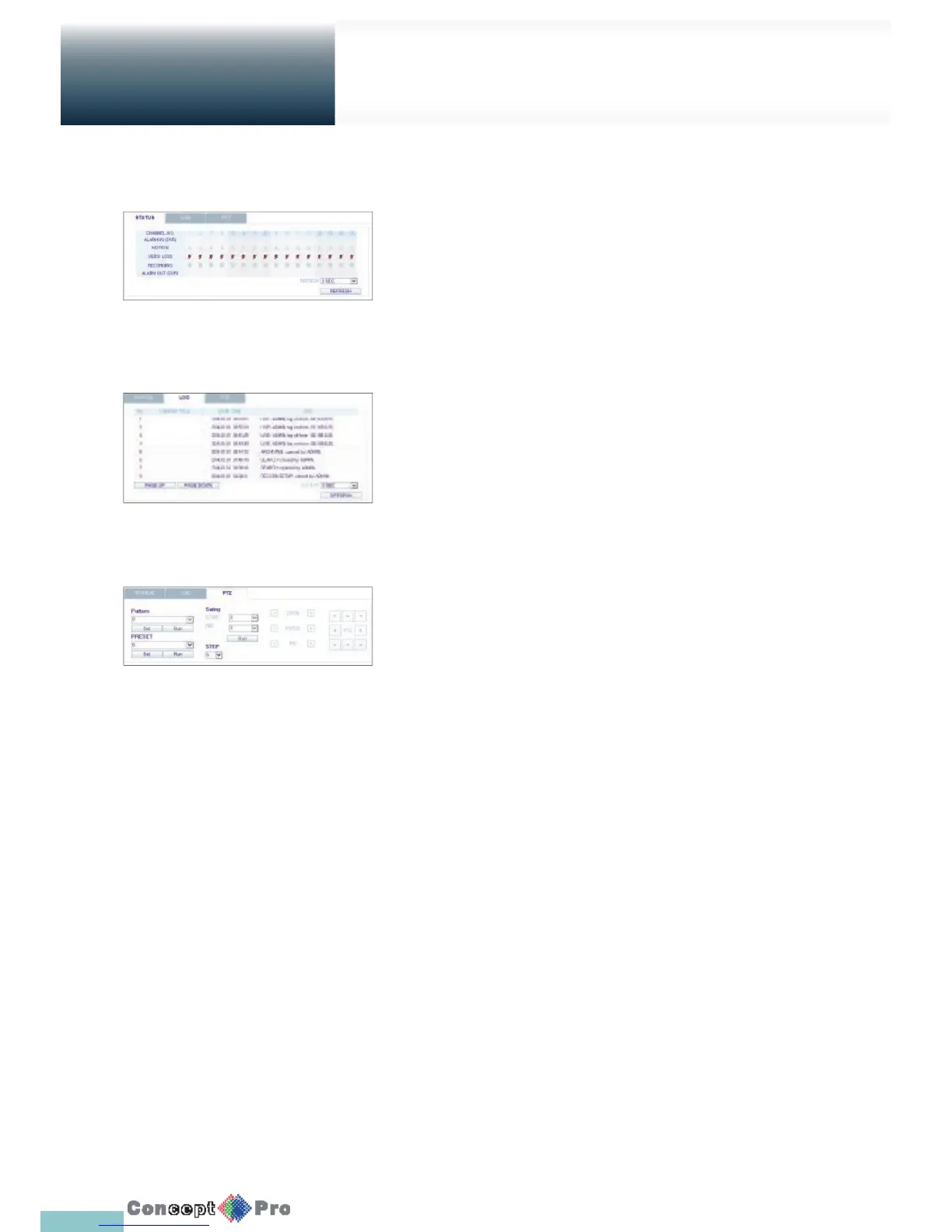
Status tab
Click <Status> at the bottom of the screen.
You can check the event occurrence for each channel of the
connected DVR.
Log tab
Click <Log> at the bottom of the screen.
You can check the log of the connected DVR.
PTZ tab
Click <PTZ> at the bottom of the screen.
You can control the operations of a PTZ camera.
Adjust the focus, zooming and iris of the camera.
You can use the arrow buttons to control the operations of the camera.
> Pattern: You can con gure various settings of the
camera including the zooming and movement. (Applied to some
PTZ cameras only)
> Preset: Move the camera to a prede ned direction.
> Swing: The camera will move back and forth to a set position



 To Next Page