80
Search
Web Viewer
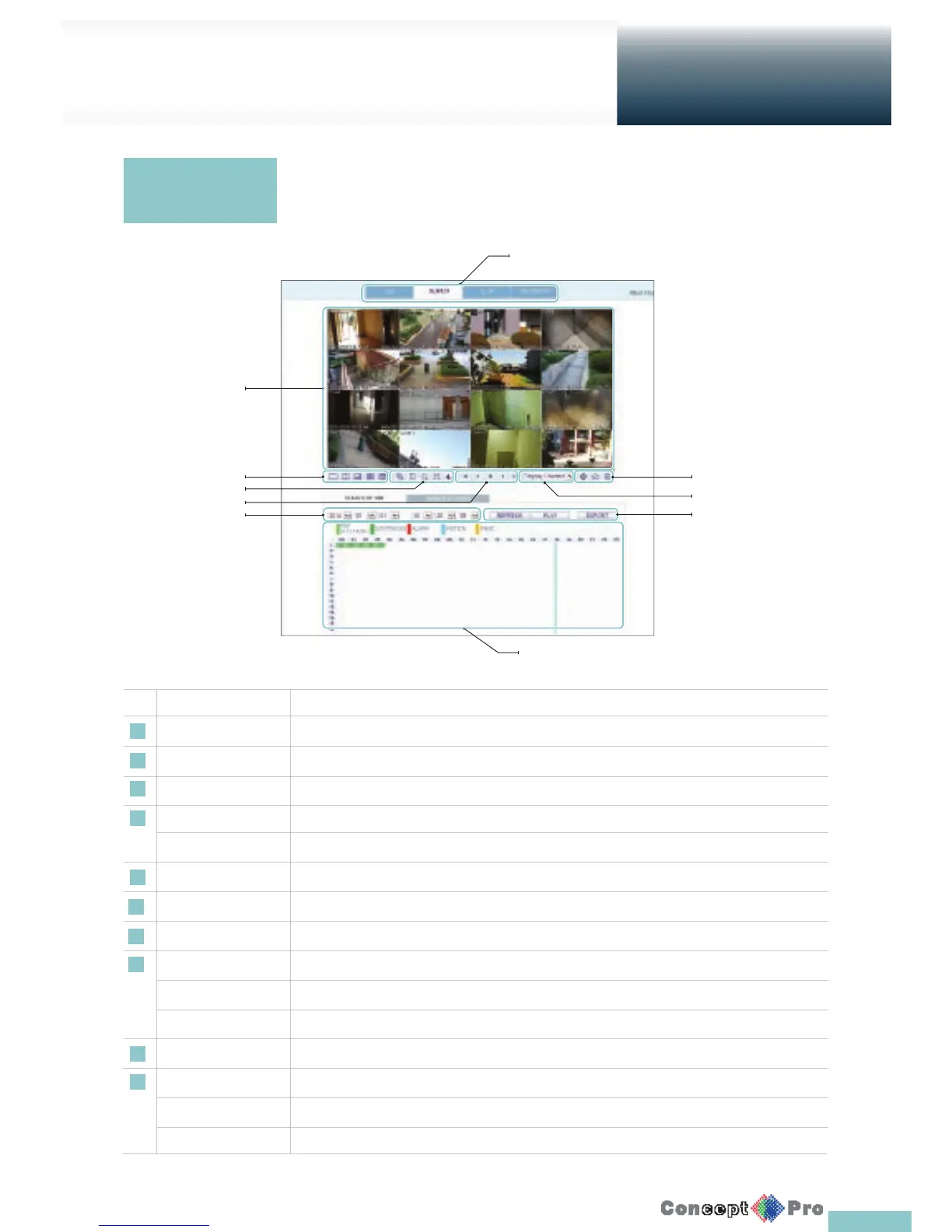
No. Name Description
1 View selection tab You can switch to the live, playback and setup screen and check the provided information.
2 Playback Screen Play the recording data.
3 Split Mode Select and switch to a desired split-screen mode.
4 Sequence , Zoom Set the sequence mode, switch to the next camera, zoom the screen or select the full screen mode.
Voice Transfer Youcan turn on/off the voice signal.
5 Play button bar You can control the playback screen.
6 Time Selection Specify the start time of playback.
7 Time Line Indicates the status of the recorded data.
8 Refresh Reload the time line.
Play Play the video that satis es your search criteria.
Export Archive the video that satis es your search criteria
9 Channel Selection Select a channel listed in the screen.
10 Screen Print out the current screen.
Image Capture Capture the selected image.
ActiveX Settings Con gure the ActiveX settings or specify the saving path of the captured image.
Search viewer at
a glance
Click <SEARCH> to display the remote control screen for the DVR.
5
4
3
6
1
2
7
8
9
10



 To Next Page