89
Setup
Web Viewer
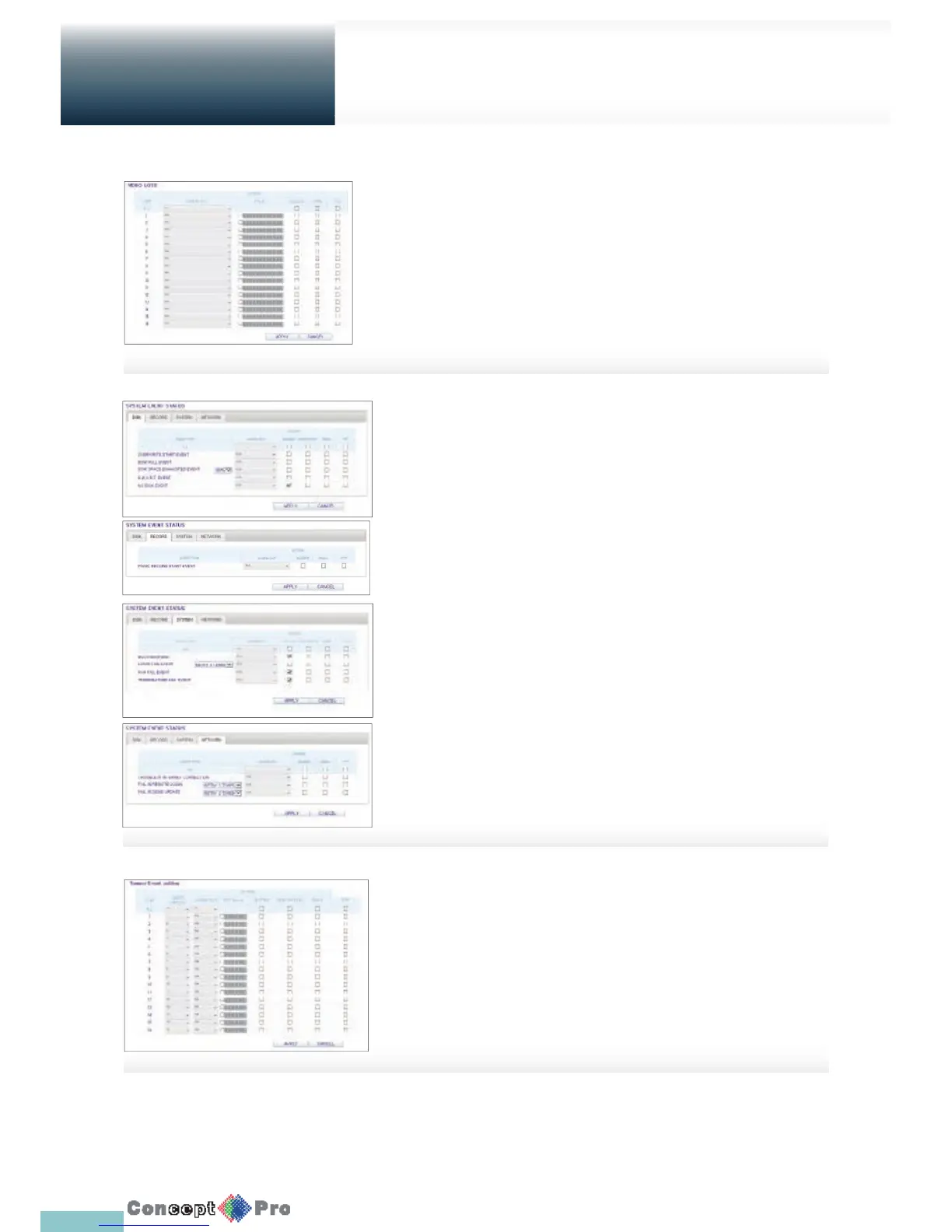
Video Loss
You can select an action for <BUZZER>, <EMAIL> and <FTP> and
determine what to do on the alarm output port if no video is received from
the camera. When done, click <APPLY> to apply the changes.
System Event
You can set which action to perform if an event related to
the disk, recording, system or network happens.
You may want to notify the user of the event using the
alarm output, buzzer, OSD popup, email and FTP.
When done, click <APPLY> to apply the changes.
R For more information about how to set the system event,
refer to “System Event”. (page 57)
Tamper Event settings
You can set how to react upon a detected tampering event.
When done, click <APPLY> to apply the changes.
R For more information about how to set the Tamper Event,
refer to “TAMPER EVENT”. (page 59)



 To Next Page