90
RECORD SETUP
Record Setting
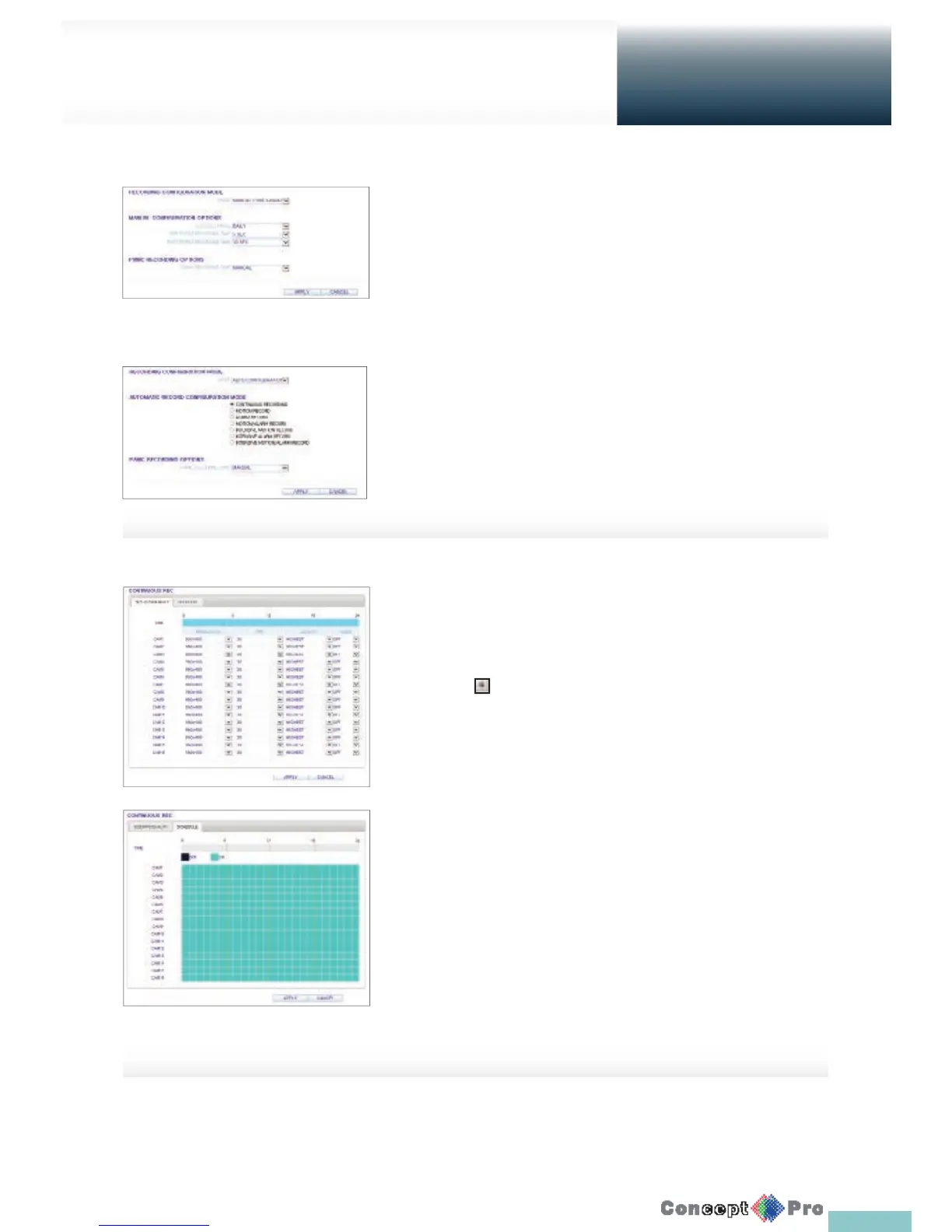
You can set the recording options for Auto or Manual mode.
When done, click <APPLY> to apply the changes.
R For more information about how to set each mode, refer to
“Operation Mode”. (page 60)
Continuous Recording
You can con gure the settings of: continuous recording time,
recording size, frame rate per second and quality.
Click < > next to each item to display the list of values
available.
When you complete the recording size and schedule settings,
click <APPLY> to apply your settings.
R For more information about the continuous recording size and
schedule, refer to “Continuous Recording”. (page 61)
Setup
Web Viewer



 To Next Page