31
Tamper Detection
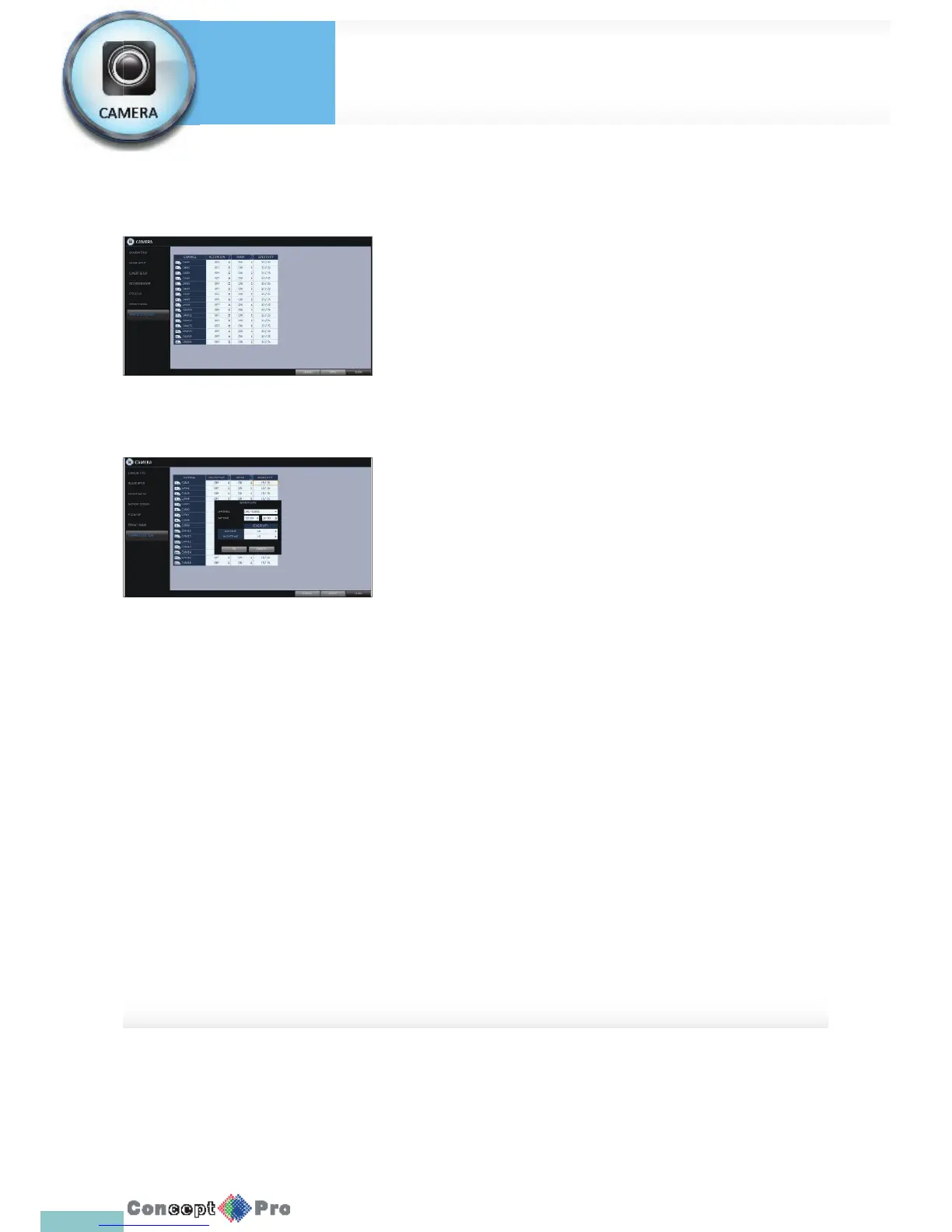
You can set the VXH960H to detect tampering with the installed camera
1. Select the <TAMPER DETECTION> from the <CAMERA> menu items in
<SYTEM SETUP >
2. Use [pqtu] buttons on the remote or the mouse to select
<MARK, SENSITIVITY> and set the tampering detection conditions
appropriately.
3. For each channel, set the day/night sensitivity.
4. Set the activation of each channel, and set whether to display indicator
on the screen.
> SENSITIVITY LEVEL: The detection sensor’s sensitivity for each
detection block. (Can be separately set for day / night modes)
> ACTIVATION: Set the detection for each channel to be enabled/
disabled.
> MARK: Turns on or off the detection indicator to be displayed on
the screen.
5. To apply the change, click <APPLY> in the bottom of the screen.
6. When done, press the [EXIT] button on the remote control or click
<CLOSE> in the lower screen. The con rmation message appears and
you will return to the previous menu.
Camera Setting
System
Settings



 To Next Page