59
TAMPER EVENT
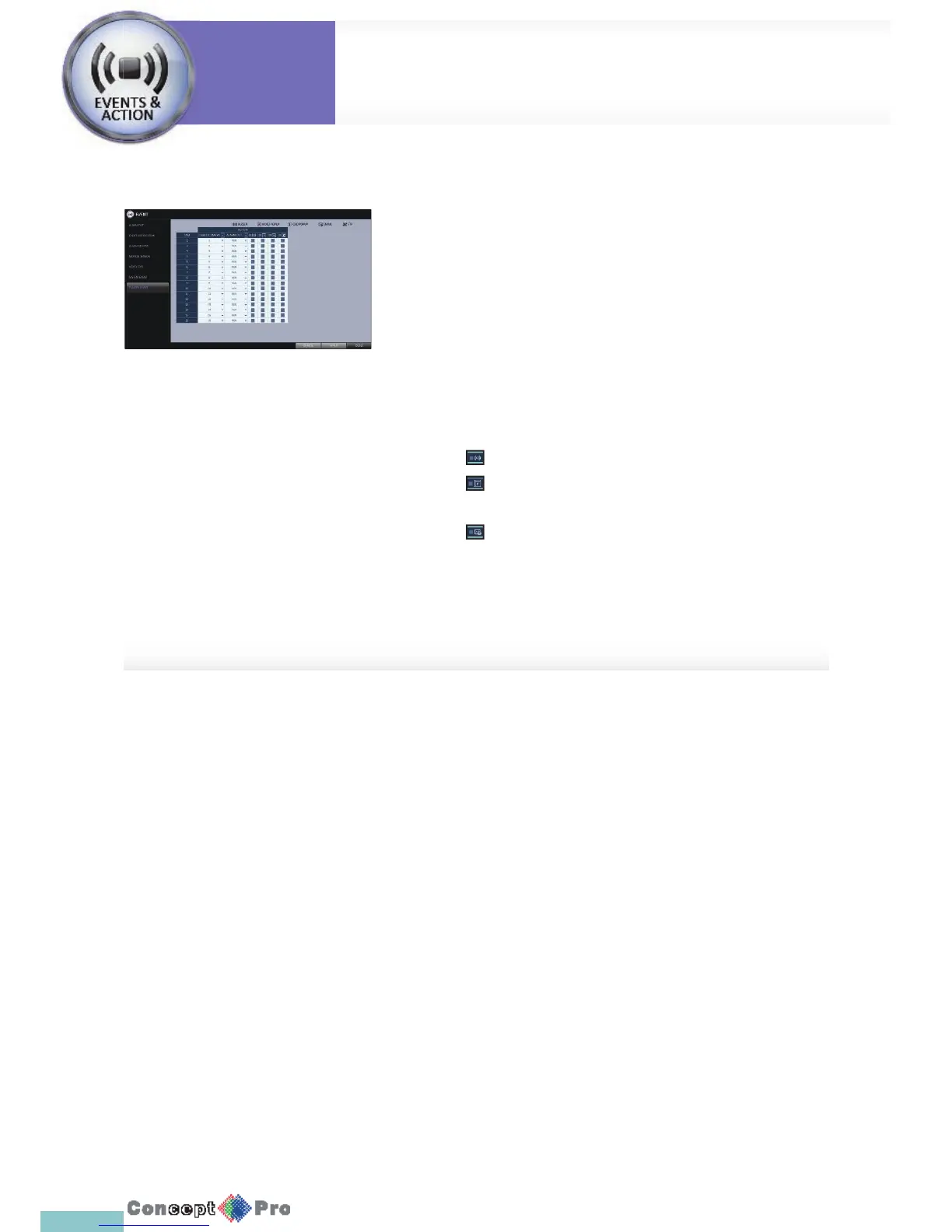
You can set how to react upon a detected tampering event.Set the
tampering event detection in<TAMPER DETECTION> for each channel.
1. From <SYSTEM SETUP> - <EVENT>, select<TAMPER EVENT>.
2. Use [pqtu] buttons on the remote or the mouse to set the detection
action.
> LINKED CAMERA: Select the camera to output the event action
upon a tampering detection.
> ALARM OUT: Set the alarm out channel for detected tampering
event.
> Sets whether to sound beeper upon a tampering detection.
> Sets whether to display a video pop-up up on a
tampering detection
> Sets whether to send an email noti cation upon a tampering
detection.
3. To apply the change, click <APPLY> in the bottom of the screen.
4. When done, press the [EXIT] button on the remote control or click
<CLOSE> in the lower screen. The con rmationmessage appears and
you will return to the previous menu.
System
Settings
Event Setup
System
Settings



 To Next Page