58
System
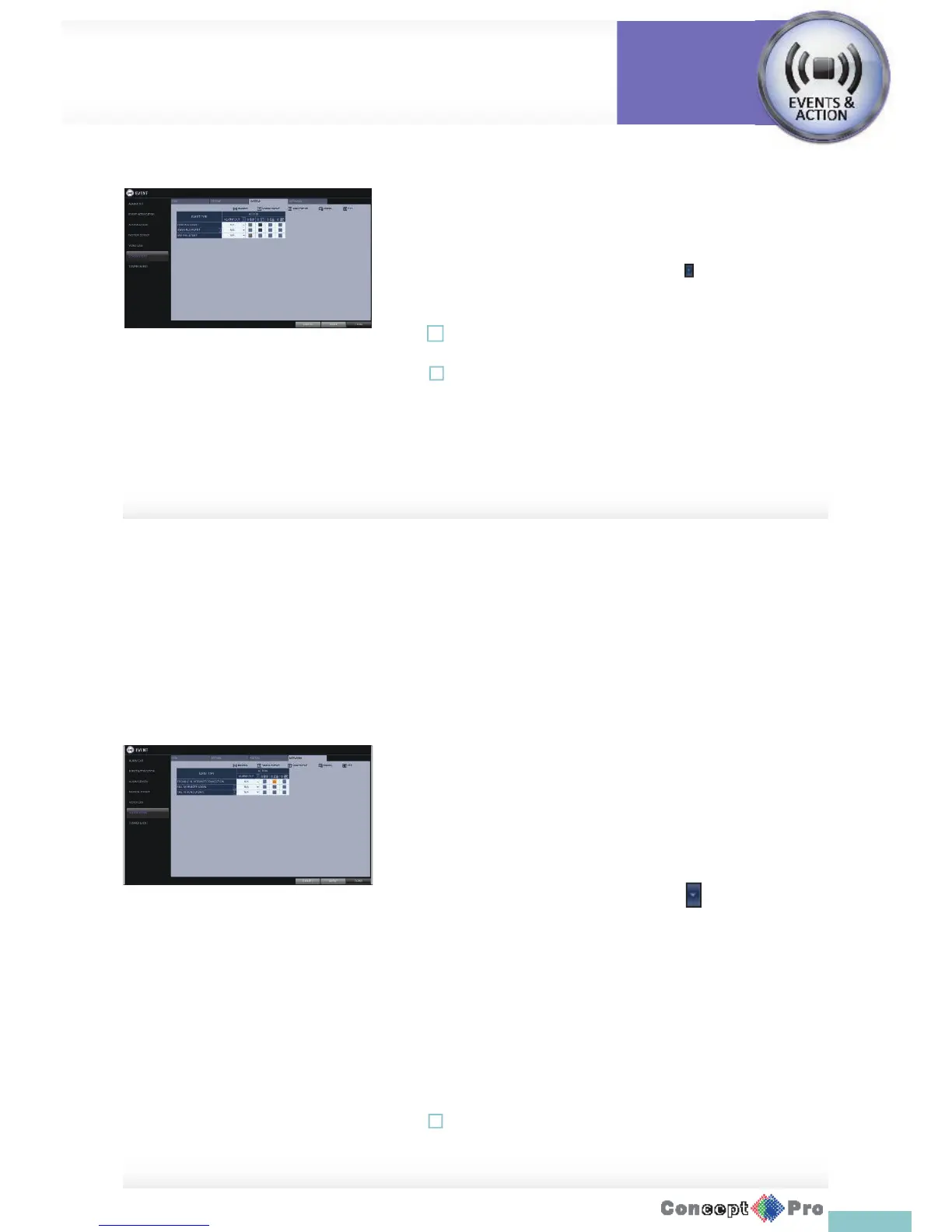
> BOOTING EVENT: This event occurs when the DVR is booting.
> LOGIN FAIL EVENT: This event occurs when a user enters the
incorrect password.
You can specify the times of clicking < > to trigger the event.
> FAN FAIL EVENT: This event occurs if the CPU cooling fan or
unit’s cooling fan does not work at all.
! If the fan fails, recording will stop. Please contact your service
provider.
! To monitor the normal operation of the DVR, it is recommended not to
change the buzzer output settings of the fan failure event.
Network
> TROUBLE IN INTERNET CONNECTION: Occurs if the Internet
connection to the VXH960 fails. If you do not want to connect the
VXH960 to the network, leave the <ACTION> item blank.
> FAIL IN REMOTE LOGIN: This event occurs if a remote client fails
to log in due to an invalid ID or password.
You can specify the times of clicking < > to trigger the event.
> FAIL IN DDNS UPDATE: This event occurs if the DVR tried to
update the DDNS address but failed
R If the DDNS address fails to be updated, the DVR may not connect
to a remote client.If this is thecase,enter theIP address from the
client side to allow access from the DVR. This is just a temporary
measure. For the IP address, move to and check <EXTERNAL IP
ADDRESS> from the <NETWORK> window. Note that the <EXTERNAL
IP ADDRESS> is subject to change if the DVR does not use a static IP.
! Note that the <EXTERNAL IP ADDRESS> can change at any time in a
dynamic IP environment.
Event Setup
System
Settings



 To Next Page