48
Storage
System
Settings
Disk Operations
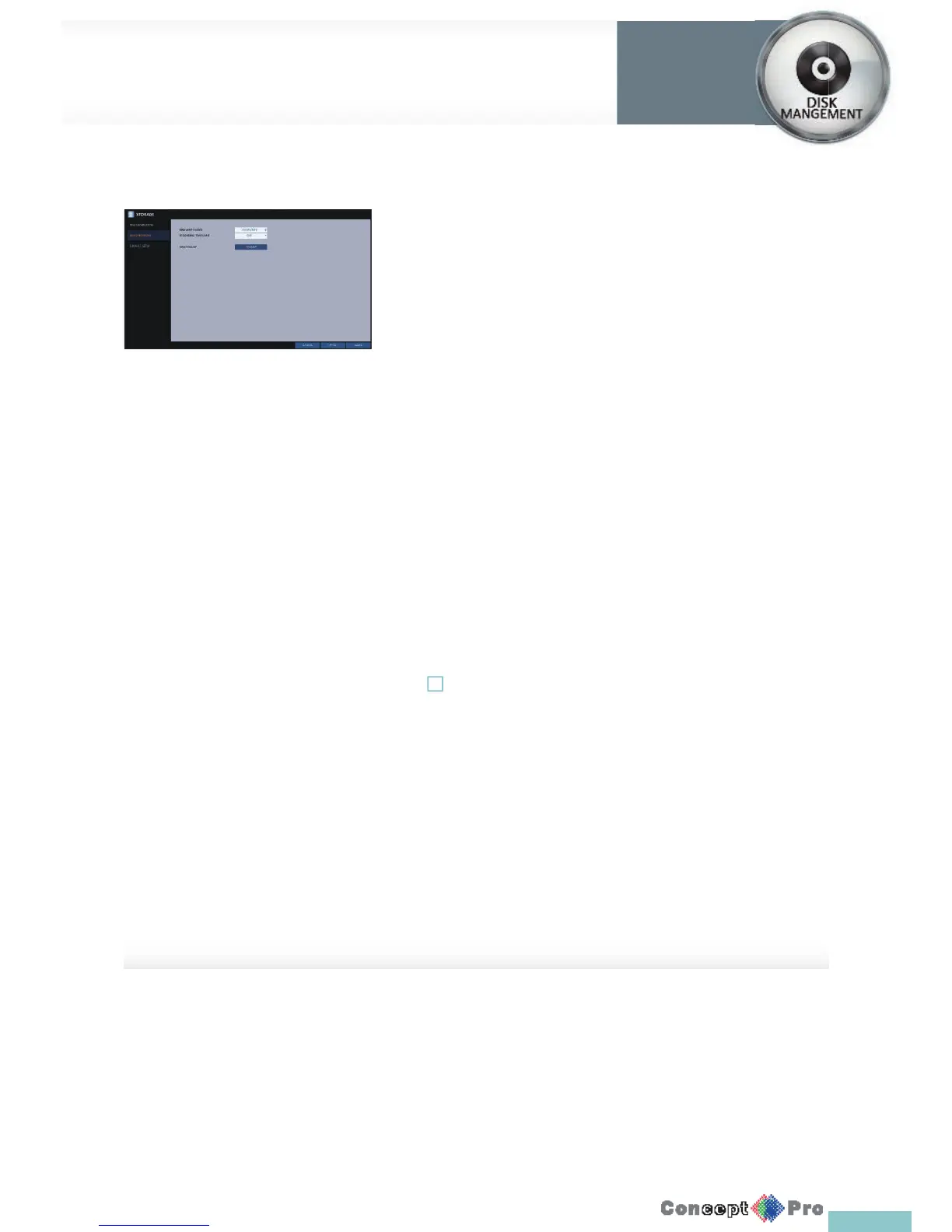
You can set the disk’s write mode, recording time limit and format the HDD.
1. From <SYSTEM SETUP> - <STORAGE>, select <DISK OPERATIONS>.
2. Use the [pqtu/ENTER] buttons on the remote control or use the
mouse to set the operation conditions of the disk.
> DISK WRITE MODE
- If it is set to <OVERWRITE>, the existing data will be
overwritten by the new recording data, once the HDD
becomes full.
- If the option is set to <ONCE> and the HDD isfull, the DVR
will stop recording and output the beep or alarm that is
pre-de ned at <EVENT>.
> RECORDING TIME LIMIT: The recording data will be deleted
after a maximum speci c time. If it is set to <OFF>,
this function will be disabled.
R Record Time Limit: 1 day even if there is suffi cient free space
in the HDD, it records / keeps videos of the most recent 1 day
only.
> DISK FORMAT: format the hard disk.
! Note that formatting the HDD will delete all video data and logs.
3. To apply the change, click <APPLY> at the bottom of the screen.
4. When done, press the [EXIT] button on the remote control or click
<CLOSE> in the lower screen. The con rmation message appears and
you will return to the previous menu.



 To Next Page