4
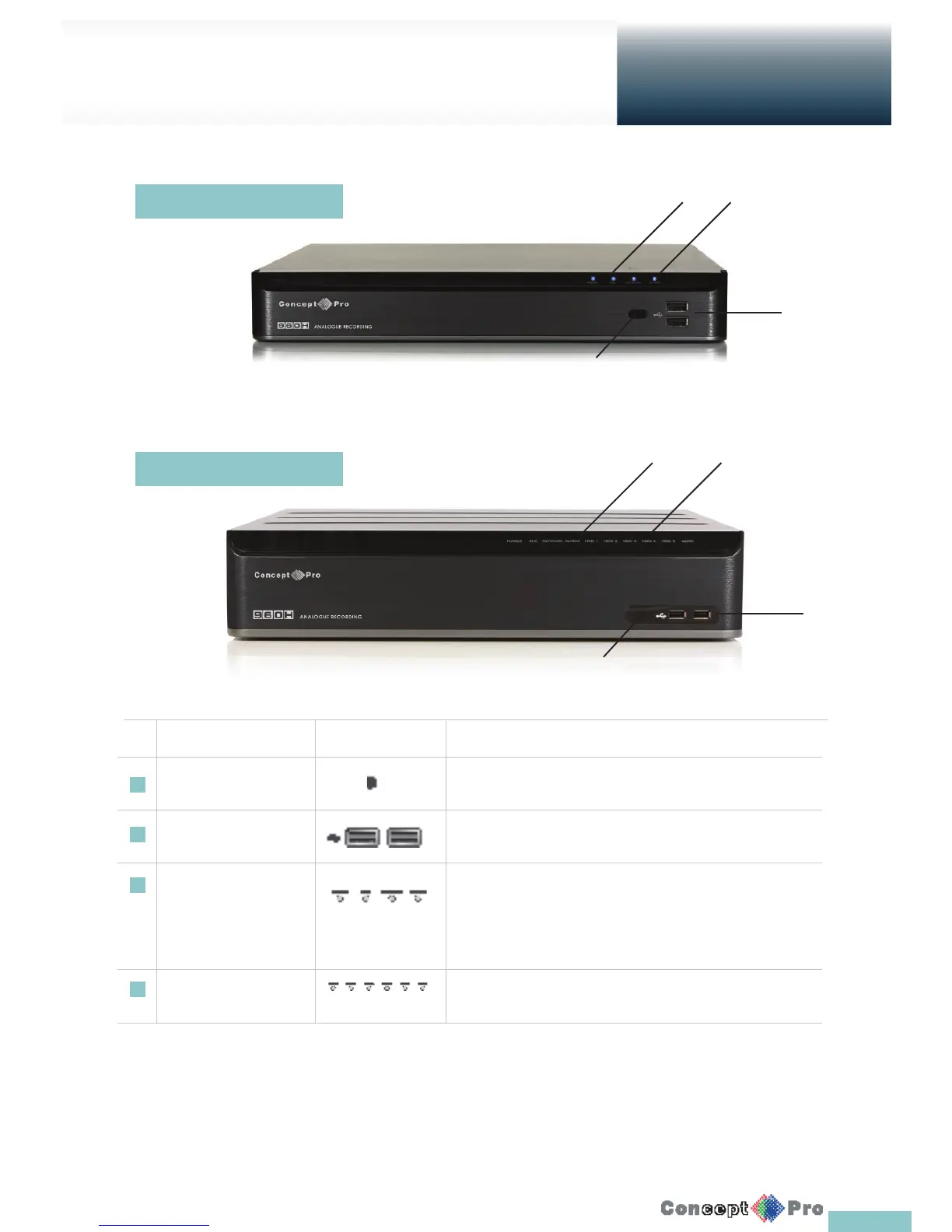
Front Panel
Overview
No. Name Description
1 IR Remote Control Receiver Receive the signal from the remote control.
2 USB For connecting USB devices such as a mouse or memory stick.
3 Status LED Show the status of power, recording or network connection together
with any corresponding alarm. 4
4 HDD 1~5 / eSata Indicates connection status of internal/external storage devices
1
3 4
2
1
3 4
2
4 Channel
8 & 16 Channel



 To Next Page