85
Setup
Web Viewer
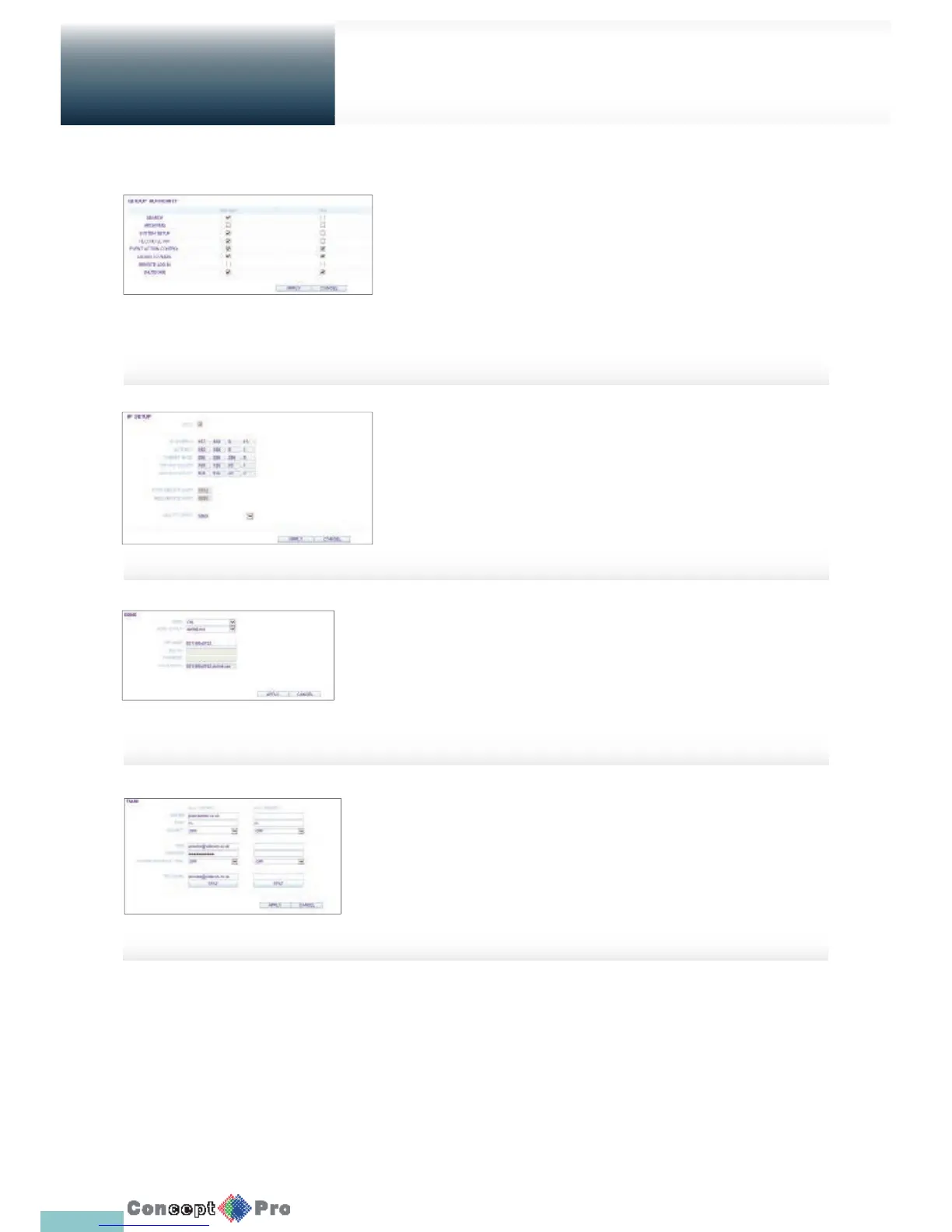
Group Permission Setting
To grant diff erent user groups diff erent permissions to a
speci c menu.
Mark the checkboxes of the menu items accessible by the
user group.
When done, click <APPLY> to apply the changes.
R For more information about the accessible menu items, refer
to “Group Authority”. (page 38)
DDNS Setting
You can con gure the DDNS settings so that remote users
who are connected to the network can access it remotely.
Change the DDNS settings and click <APPLY> to apply the
changes.
R For more information, refer to DDNS (Page 40)
Email Setting
You can register and test an email address so that an email
noti cation is delivered at a speci c interval or if an event
occurs.
Provide the necessary information and click <APPLY> to
apply the chnages.
R For more information, refer to “Email”. (page 41)
NETWORK
IP Setting
To check the network connection status and to the change the IP address.
When done, click <APPLY> to apply the change.
R For more information about each network entry, refer to “IP Setup”.
(page 39).



 To Next Page