88
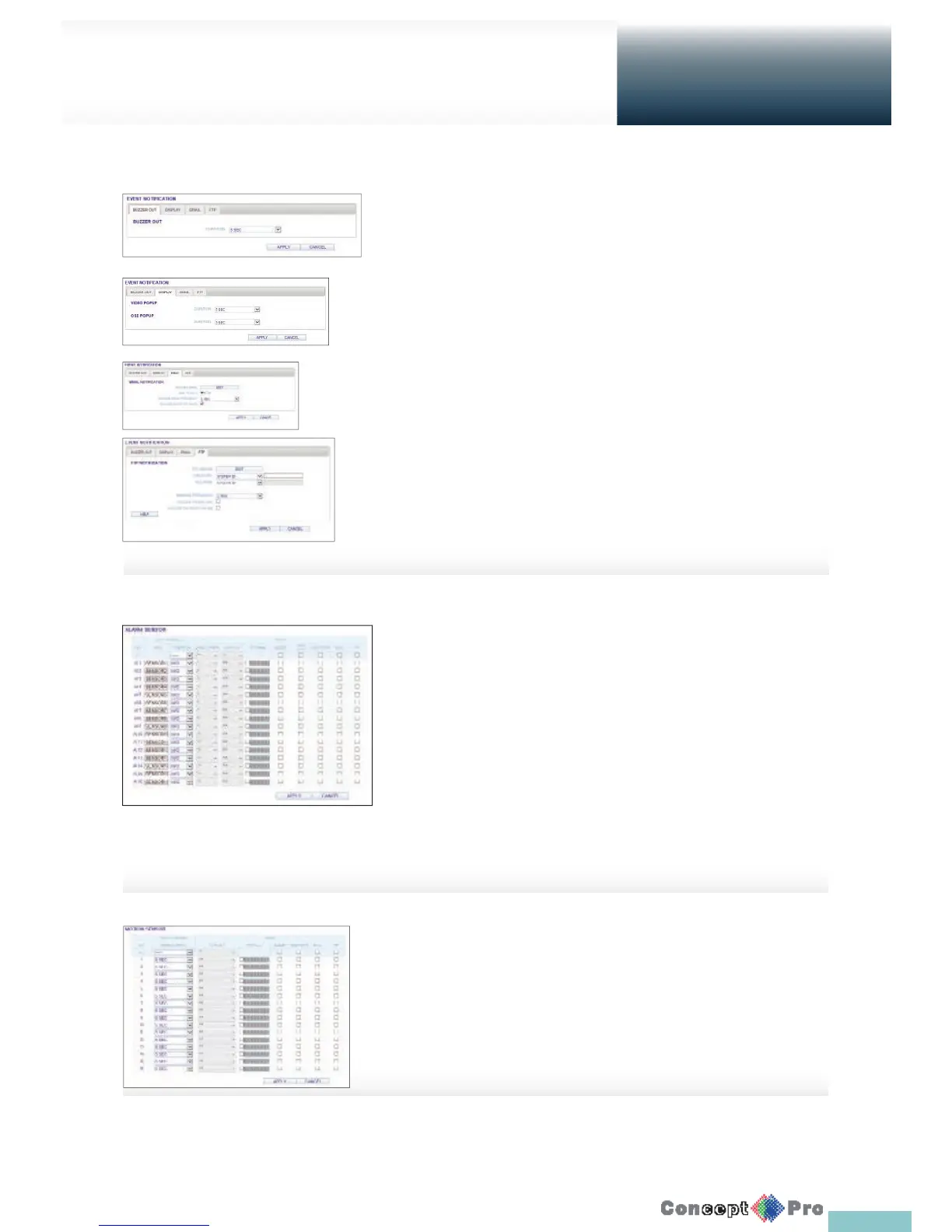
Event Notifi cation
Specify the noti cation method using either the <BUZZER OUT>,
<DISPLAY>, <EMAIL> and <FTP> against the event alarm that occurs
Specify the buzzer output time, video popup time, email noti cation and FTP
noti cation. Click <APPLY> to apply the changes.
R For more information about the event noti cation, refer to
“Event Noti cation”. (page 51)
Alarm Sensor
You can con gure the settings of the alarm sensor and
specify the operation of the sensor if an event occurs.
When done, click <APPLY> to apply the changes.
R For more information about each of the alarm sensor actions,
refer to “Alarm Sensor”. (page 54)
Motion Sensor
You can set an action to execute when motion is
detected.
When done, click <APPLY> to apply the changes.
R For more information about how to set the motion sensor,
refer to “Motion Sensor”. (page 55)
Setup
Web Viewer



 To Next Page