75
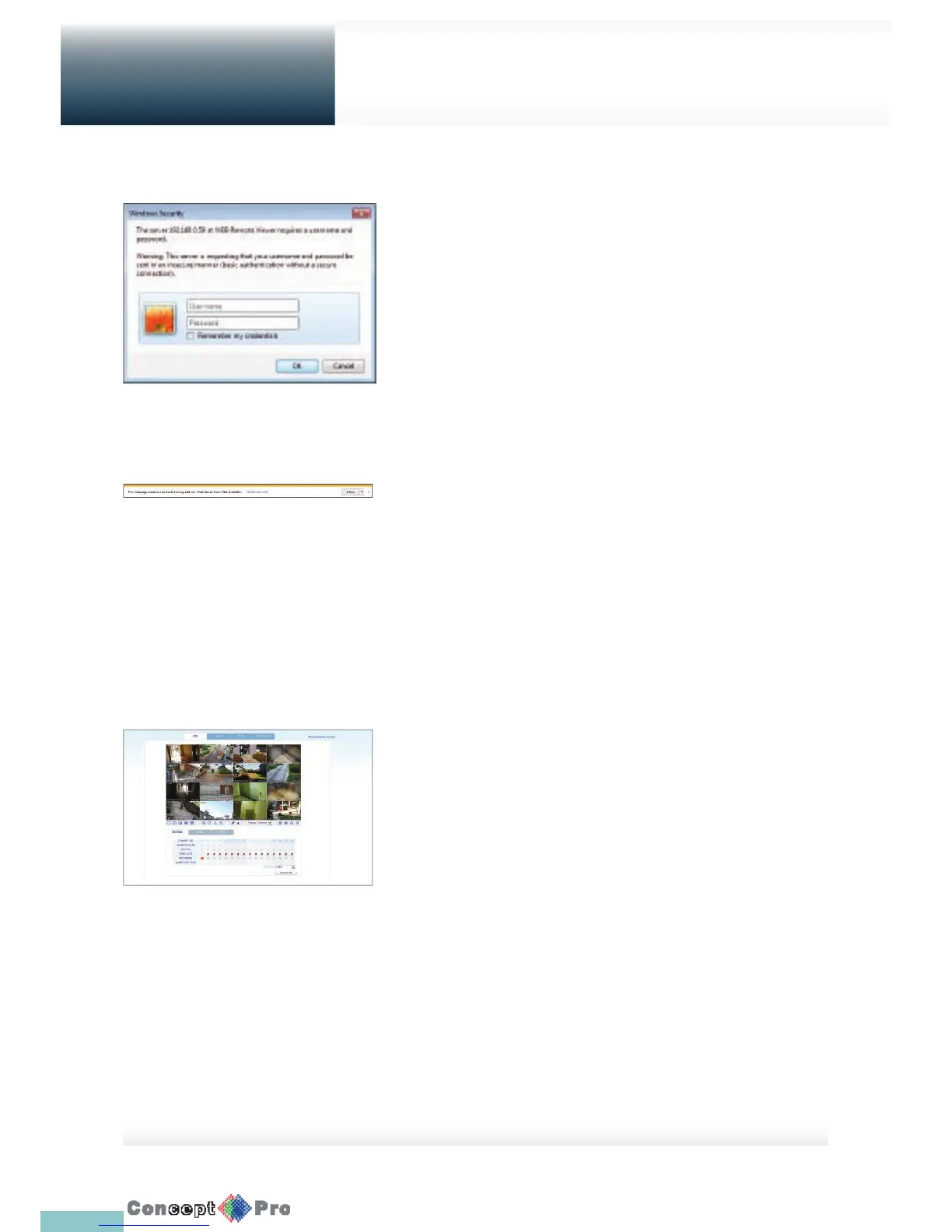
1. Provide the user ID and password.
R The default user name: ADMIN; the default password is 1234.
2. Click the lower warning bar to install the ActiveX.
R If you fail to download the ActiveX control, move to Tools; Internet
Options; Security; Custom Level; Download unsigned ActiveX
control, and change its setting from “Disable (recommended)” to
“Enable”, and then click OK.
3. Click <Install>
4. When the installation is complete, you will see the live screen.
What is the web viewer?
Web Viewer



 To Next Page