76
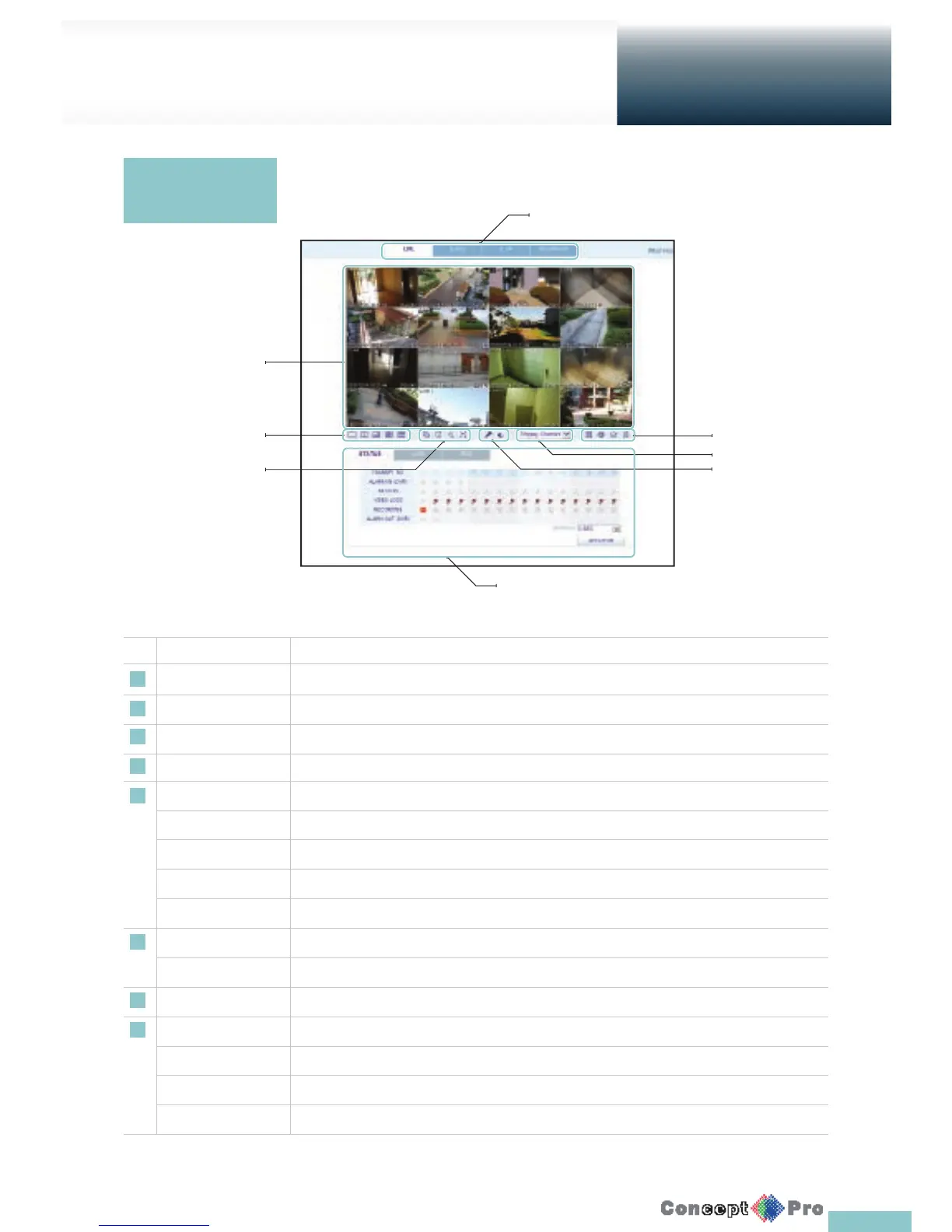
No. Name Description
1 View selection tab You can switch between the live, search, setup and information.
2 Live Display the live screen of the currently connected VXH960.
3 Split Mode Select and switch to a desired split-screen mode.
4 Sequence, Zoom Set the sequence mode, switch to the next camera, zoom the screen or select the full screen mode.
5 Status Show the connection status of each channel.
Log Show the log.
Refresh Time Set the interval at which the DVR Status is refreshed.
Refresh Refresh the DVR status immediatley
PTZ To control a PTZ
6 Voice transmission With the microphone, your voice will be transmitted to the DVR, or you can turn on or off the output
of the voice signal.
7 Channel Select a channel listed in the screen.
8 Save Save the live video on the screen.
Print Print out the current screen.
Capture Capture the selected image.
ActiveX Settings Con gure the ActiveX settings or specify the saving path of the captured image.
Live
Web Viewer
Live Screen at a
glance
5
6
4
7
8
3
2
1



 To Next Page