69
ITEM Description
CAM1 Display the title of the selected channel.
ZOOM Zoom the video of the selected channel.
(The zooming function is active only in single camara screen view.)
START BOOKMARKING The “BOOKMARK SETUP” popup appears, and you can bookmark a play point for the backup purpose.
SNAPSHOT Capture the current live video and save it in the .jpeg format.
ITEM Description
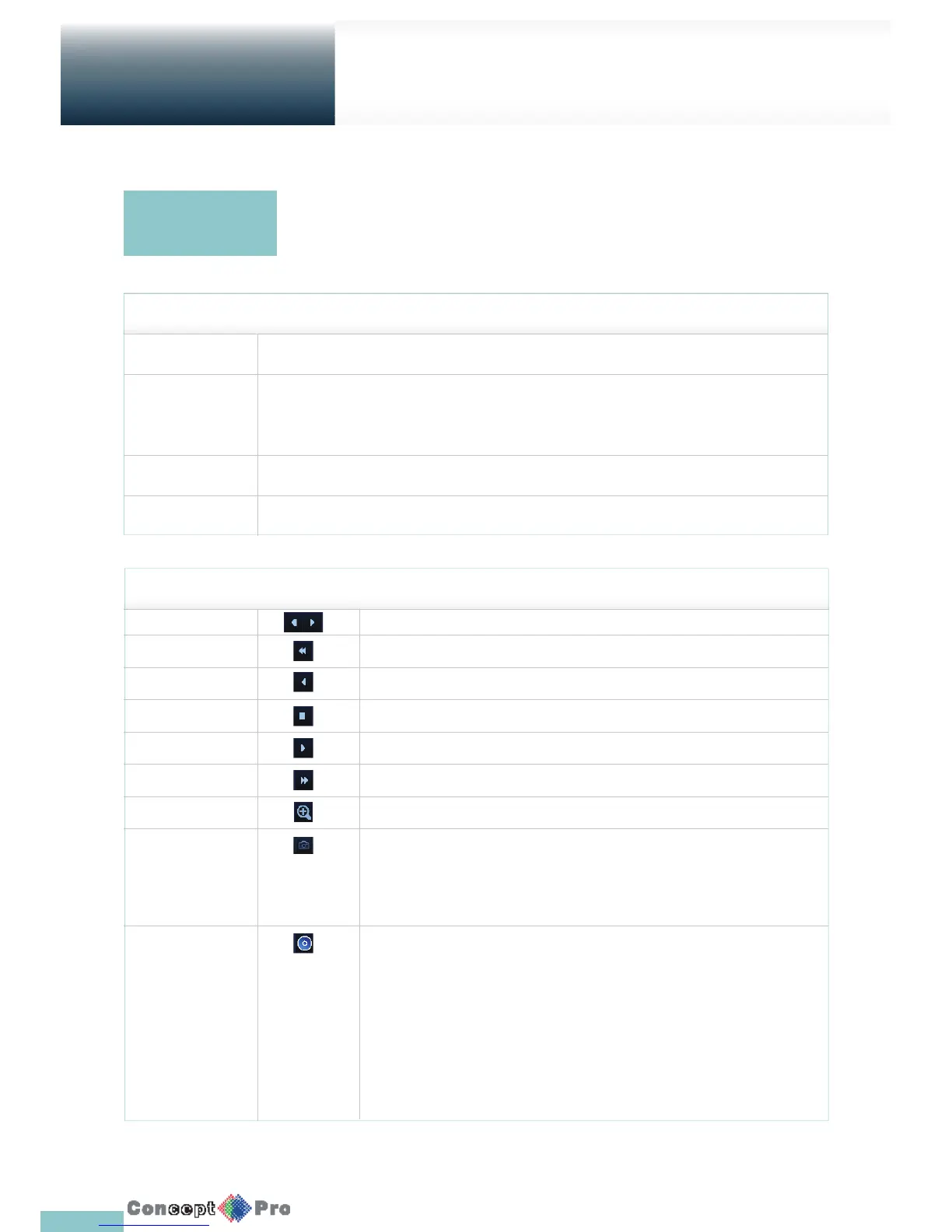
Jump Move forward or backward.
Reverse Fast Play The video will be reversely played at the speed of x2 x4 x8 x16 x32 x64 in this order.
Reverse Play Play the video in the reverse direction.
Pause Stop playing forward or playback temporarily.
Play Play the video forward.
Fast Forward The video will be played forward at the speed of x2 x4 x8 x16 x32 x64 in this order.
Zoom Move to the zoom in/out screen of the selected channel.
Snapshot Capture the current live video and save it in the .jpeg format. Then, you can save the captured
video in the HDD or export it to an external USB memory device. While you perform the snapshot,
the current video will stop playing.
Start/end bookmark Add a bookmark for the current playback screen. Press this to display the “BOOKMARK SETUP”
window. Provide each entry and click Start. The arrow in the bookmark button blinks to indicates
that the bookmarking is in process.
If you press the Bookmark button again, the bookmarking stops and the current settings will be
reserved. Then, the reserved data can be backed up in Archive menu or can be played in the
“RESERVED DATA MANAGEMENT” menu.
Playback channel
selection menu
Playing back
Playback



 To Next Page