53
Email
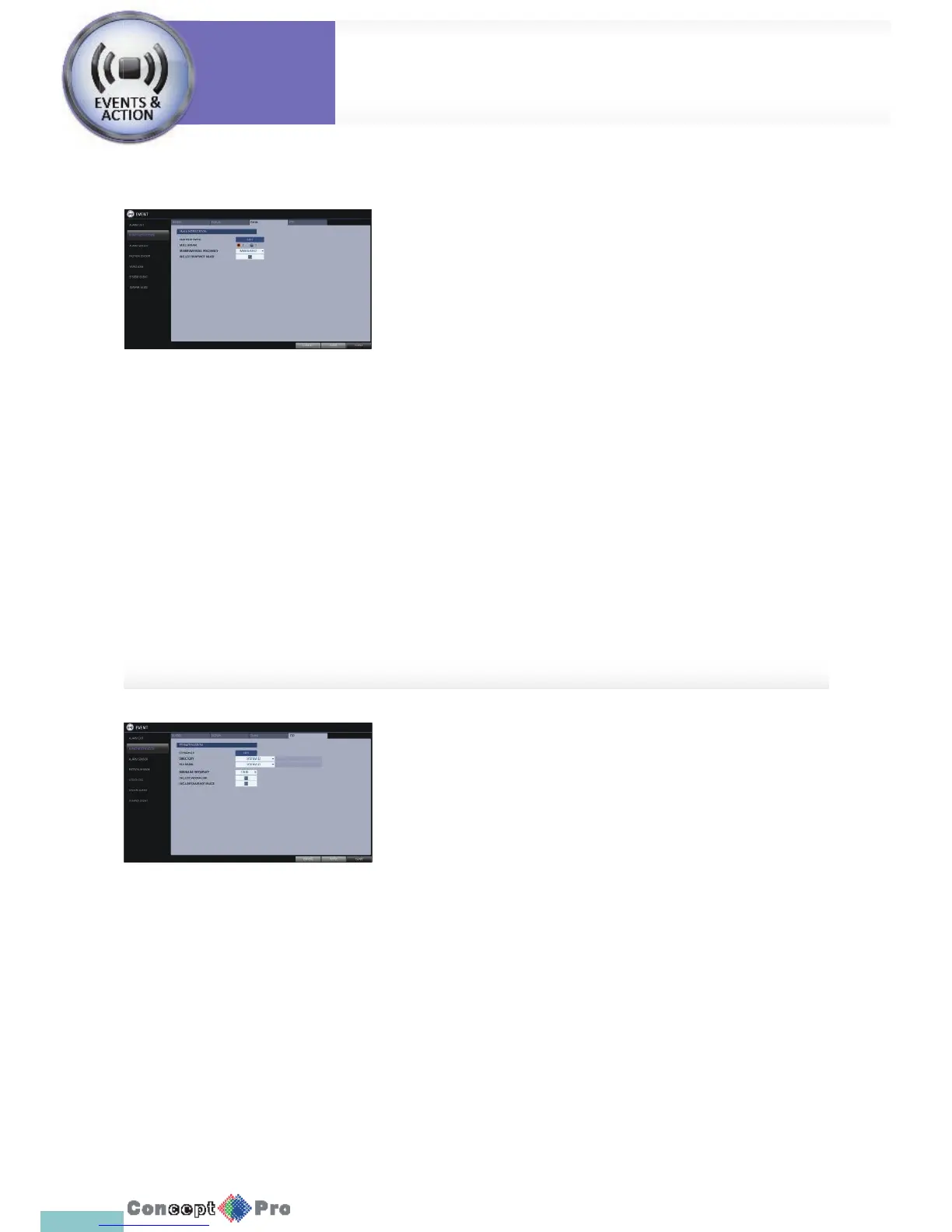
If an event occurs, this will notify registered users of the event by email. If
you do not want to receive the email, uncheck the <EMAIL NOTIFY> option
in <MANAGEMENT>. (Page 37)
> ADD NEW EMAIL: If you want to add a new mail recipient beside
the existing ones, click <EDIT> to add the recipient.
> MINIMUM EMAIL FREQUENCY: Adjust the minimum frequency of
sending the email.
For example, even if you have set the minimum frequency to one
minute and another event occurs in less than one minute after the
last email sending, the email for the new event will be sent one
minute after.
R Some email servers can block the email sending if the email
delivery cycle is too short, and classify it as spam.
Contact your email service provider to adjust the minimum
delivery cycle so that the server does not classify the email as spam.
> INCLUDE SNAPSHOT IMAGE: Set whether to include snapshot
image of the event with the email noti cation.
FTP
Upon events, upload the event noti cation onto a FTP server.
> FTP SERVER: Enter the FTP server address for event transfer.
> DIRECTORY: Select or manually enter the destination folder of
the FTP for event transfer.
> FILE NAME: Select the uploading event le’s format or manually
set the le name.
> MINIMUM FREQUENCY: Sets the minimum recurrence delay for
uploading event noti cation onto the FTP server.
For example, when the minimum recurrence is set to 1 minute, the
next FTP event noti cation will be uploaded after 1 minute from
the last event, even if another event is detected within 1 minute
from the last one.
> INCLUDE WEBRA LINK: Select whether to include WEBRA link
address of the DVR, which can be accessed with
web browser (Internet Explorer).
> INCLUDE SNAPSHOT IMAGE: Set whether to include snapshot
(still image) or not with the email.
System
Settings
Event Setup
System
Settings



 To Next Page