GE Voluson E10 Training Manual
© 2017 Conquest Imaging
WLAN Setup
The following sections describe WLAN connectivity and setup.
Connecting to the WLAN
To connect and set up the WLAN:
1.Connect the Wireless Network adapter to any accessible USB port.
2. Press the Utilities key on the control console.
3. In the “Utilities” menu touch the Setup button to invoke the setup
desktop on the screen.
4. On the right side of the screen select Connectivity and then click
the Device Setup tab.
5. Click the WLAN Configuration button.
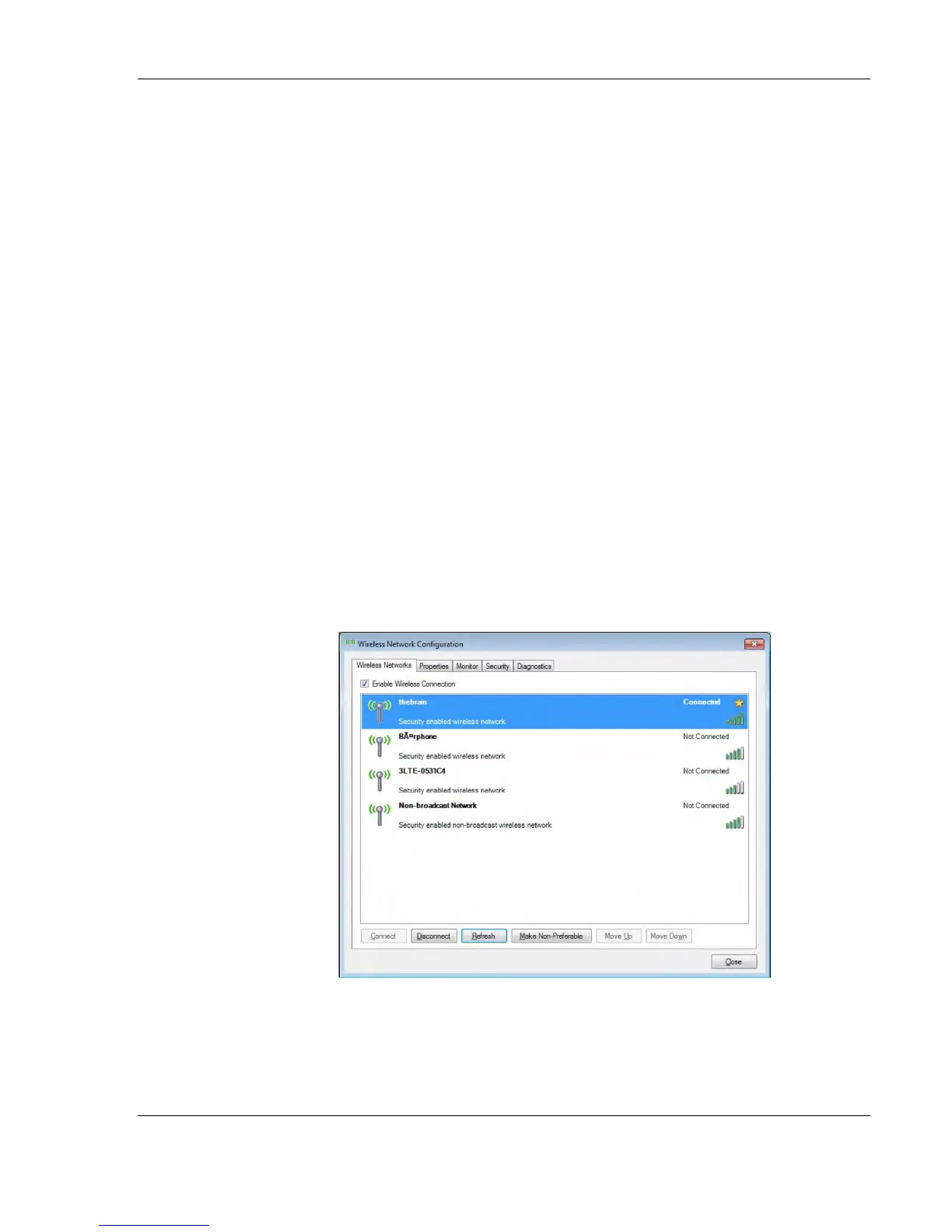
6. The Wireless Network Configuration tool with available Wireless
Networks appears:
7. Check box "Enable Wireless Connection".
Note All software drivers
are pre-installed for the
designated Wireless
Network adapter only.



 To Next Page