Using the scanner, how do I …? 5-3
5.2 Main Copy Options - Quick buttons
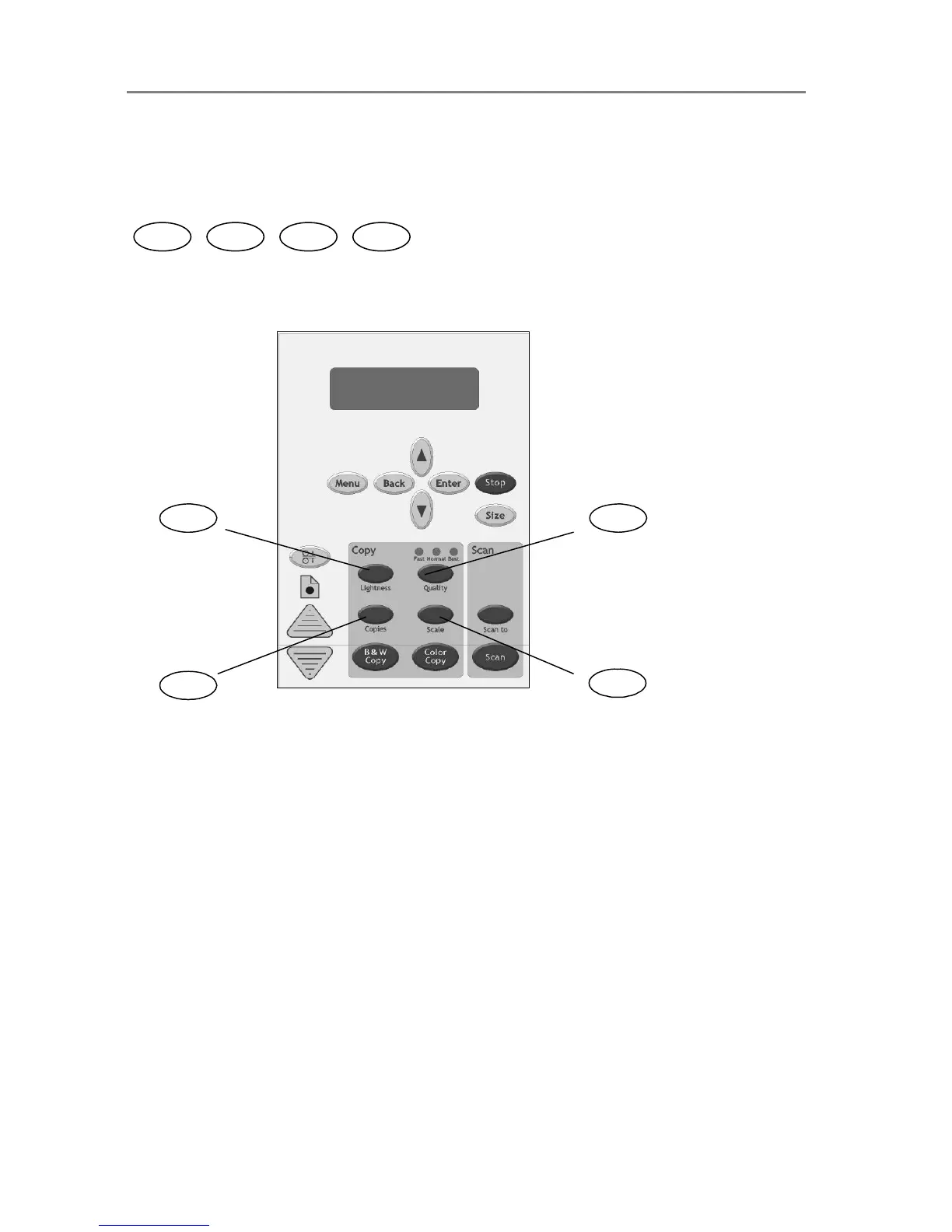
This section describes the main copy options you can set with the iJET Panel’s quick buttons.
The buttons are:
Li
Scale
The buttons Lightness, Copies, Quality and Scale are shortcuts into the iJET Panel Menu
system to options you can reach through the Menu button. This means that each of the copy
functions described in this section (copy image Lightness, copy Quality, number of Copies and
Scale – output size in relation to the original ) can be set both by pressing the corresponding
Quick button and by entering the Menu and navigating to the function.
There are additional copy options in the Menu that are not accessible through quick buttons and
can only be reached and set by way of the Menu button. These are Org. Types, Sharpen,
Background Clean, Media Type, Mirror, reset and Advanced. These copy options will be
described in the next section “Other Copy Options – Menu Button.
Scale Copies Qualit













 To Next Page