Configuration and Setup 3-19
3.7.2 Setting the Paper Series Preference
Depending on your location and business, you may usually work with a specific standard paper
series. This option lets you tell the system which paper series you want displayed when you set
the Size (input size) option. You can also tell the system to always display all the paper series’
in the system.
On scanners:
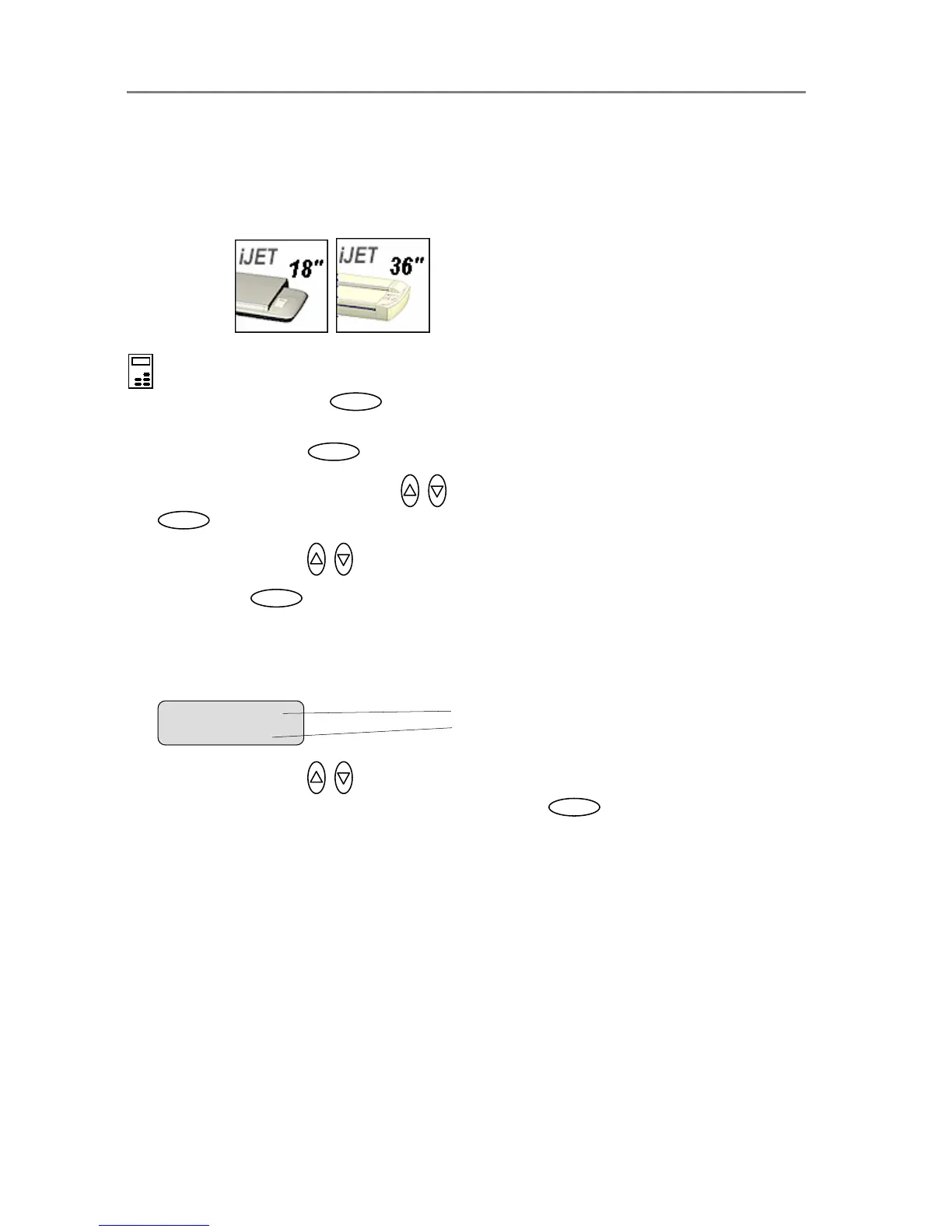
On the iJET Panel
1. Select the Menu button.
2. Use the arrow button up or down until the display windows shows Advanced and confirm
with the Enter button .
3. Use the arrow buttons up or down until the display shows Options and confirm with
.
4. Use arrows down/up until the display shows Paper Series.
5. Confirm with . The “>” marker will move down to the option setting line so you can
change it.
6. Your display should look like this (the actual text to the right of the “>” will show the current
setting for the option and may be different than the one shown below).
7. Use arrows down/up to select the paper series (...ARCH, ANSI, ISO A...) you want to
use when setting the paper size and confirm with Enter . You can also select ALL if
you need to use more than one paper series.
Ente













 To Next Page