Using the scanner, how do I …? 6-9
6.2.6 Set the File Format ( TIFF, JPEG, PDF )
On the iJET Panel –
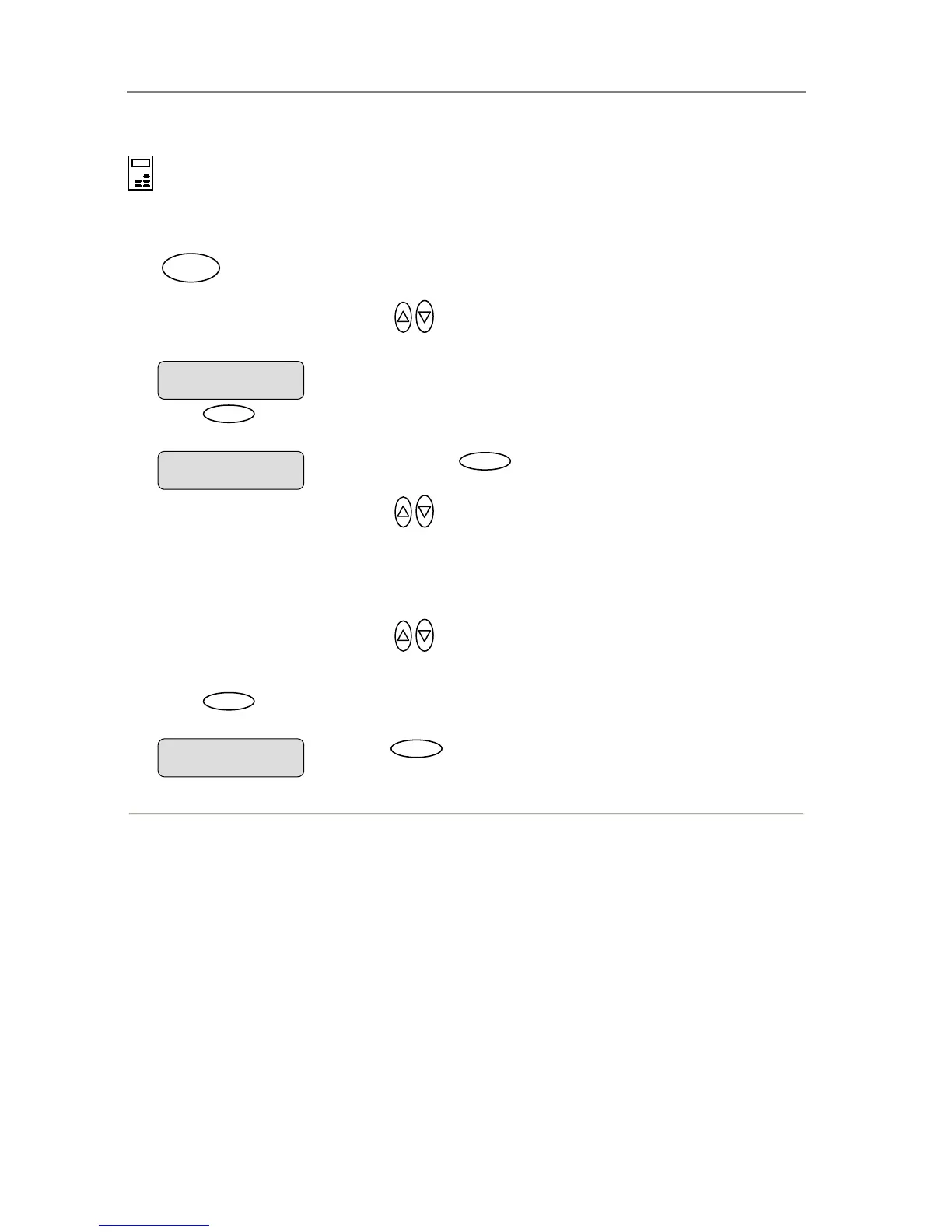
1. If you are not already in the Scan-to-File menu, start/enter the menu with the Scan to button
as described in the beginning of this section.
.
2. Press the arrow up/down buttons
to move through the Scan-to-File Menu options until
the display shows File Format.
3. Press
Enter
to move the “>” marker down so you can change the current option’s value if
needed.
4. Press the arrow up/down buttons
to move through the values for the File Format
option. The following File Formats are available.
5.
PDF – If selected you can set a quality factor from 1 to 100. 70 is default.
6. JPG – If selected you can set a quality factor from 1 to 100. 70 is default.
7. TIFF – If selected you can set quality to Uncompressed or PackBits.
8. Press the arrow up/down buttons to change the value displayed.
9. Press
Enter
to accept the File Format and move the “>” marker back up. From here you
can set the File Format quality. See details below.
Press
Enter
to accept the File Format. The “>
“marker moves back up.
> File Format
JPEG
> File Format
PDF
Scan to
When you press
Enter
, the “> “marker moves
down indicating you can change the option value.
File Format
> PDF













 To Next Page