Scanning Thick Media 6-3
6.2 Adjustment for Thick Media – Lever Controls
On Scanners:
On this scanner model you can adjust the insertion slot size (guide plate height) from 3 to 12
mm (up to 0.47”) using adjustment levers at each side of the scanner. Originals up to 3mm thick
should be scanned with the 3mm (lowest) lever setting. Thicker originals will require you adjust
the lever settings for thick media.
Adjusting the insertion slot for thick media - lever controls
1. Raise the scanning area lid.
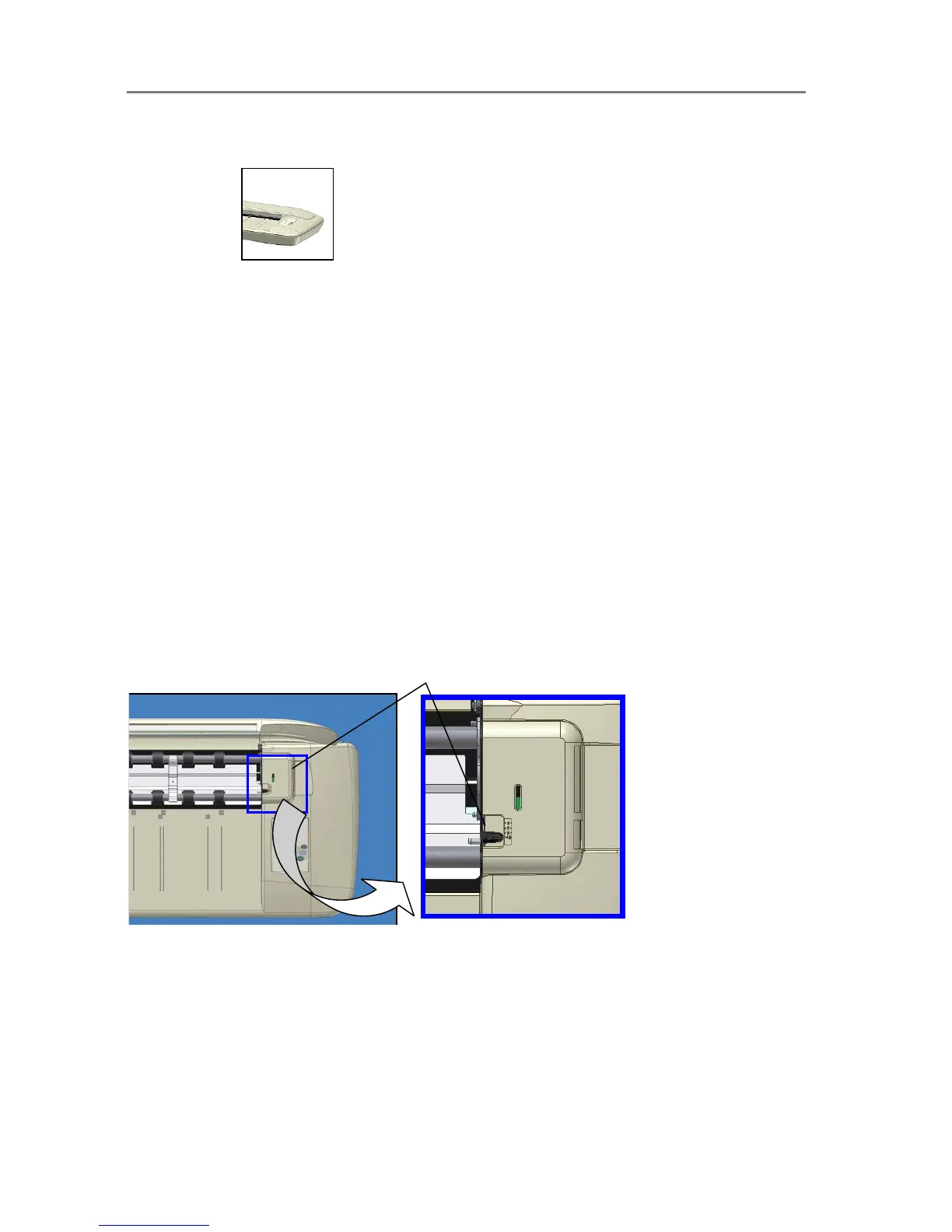
2. The thickness adjustment levers are found on the scanner’s right and left sides.
3. Measure the thickness of your original to find the right setting.
4. The lever’s numbered settings represent millimeters.
5. Be sure to set to the same thickness value on both sides.
6. For stiff originals, apply pressure-weight-strips if necessary. See the section on Loading
for instructions.
7. Close the scanning area lid.
8. Feed your thick original The Paper Ready key will turn yellow (stop blinking) when the
pressure-platen is positioned correctly and is ready to scan your thick original.
Thickness Adjustment Lever – (Right Side)













 To Next Page