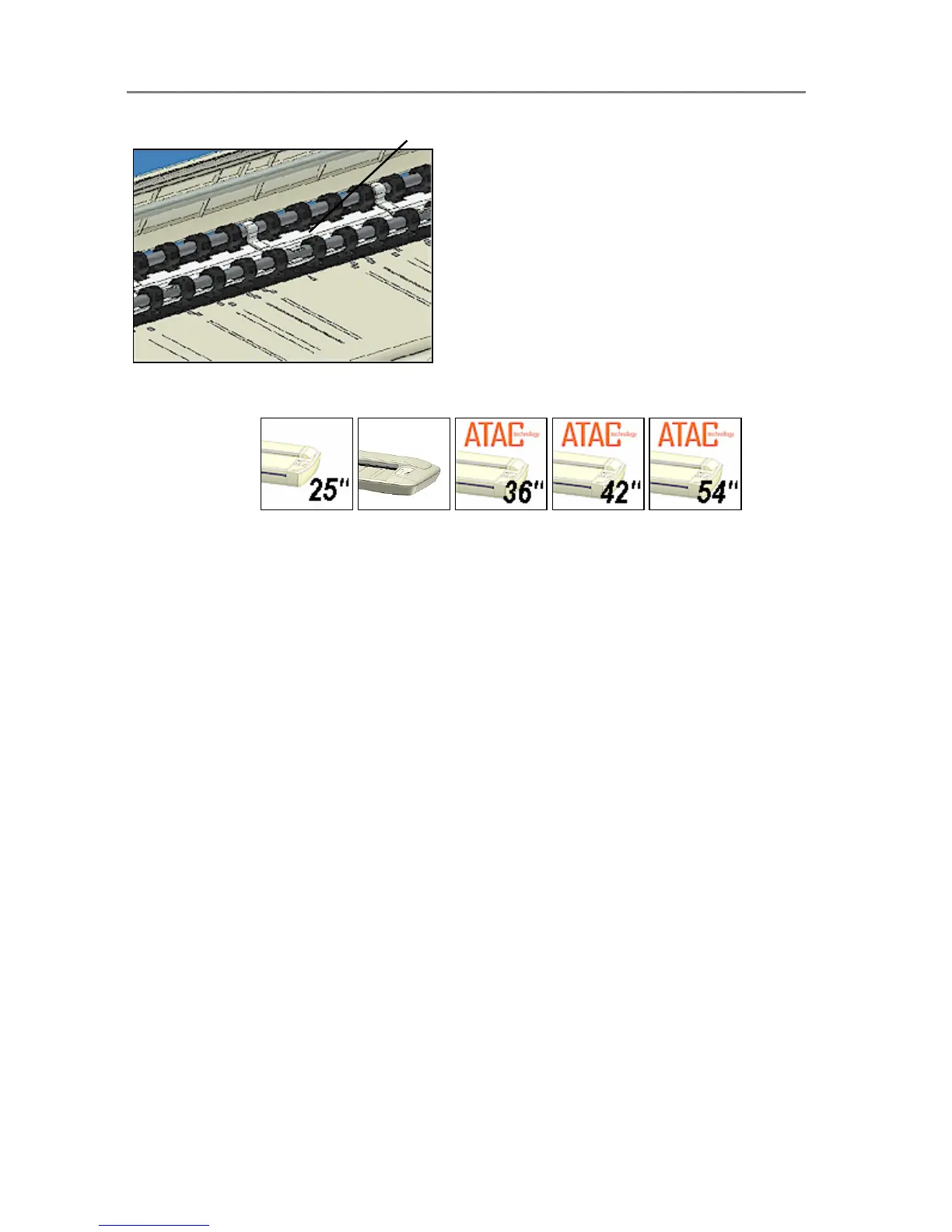
ht strips rest on the top of the pressure platen.
5.7 Size Settings
On All Scanners
Common standard sizes are marked on the scanner topside. Use these markings to guide you
when positioning standard sized originals in the center of the scanner. Enter the size in your
application’s media size setup dialogs
For irregular sizes, you can use the scanner’s measurement ruler just above the insertion slot.
The width of an original can thereby be measured on the scanner. Read the width and enter
your measurement in the width setting box in your application’s media size setup dialogs. The
original is always loaded from the center.













 To Next Page