Configuration and Setup 3-16
3.6 Locating the Interface Cable Connector-Panel
Your scanner’s interface cable connectors are grouped in a cable connector panel. You will
need to locate the cable connector panel in order to insert interface cables when setting up the
system. You can find your scanner’s cable-connector-panel as follows:
On Scanners:
The scanner has LAN, USB device (input) and USB host (output) interface connectors grouped
in a cable-connector-panel. The cable-connector-panel is found at the back of the scanner.
The cable-connector-panel is found on the scanner’s back.
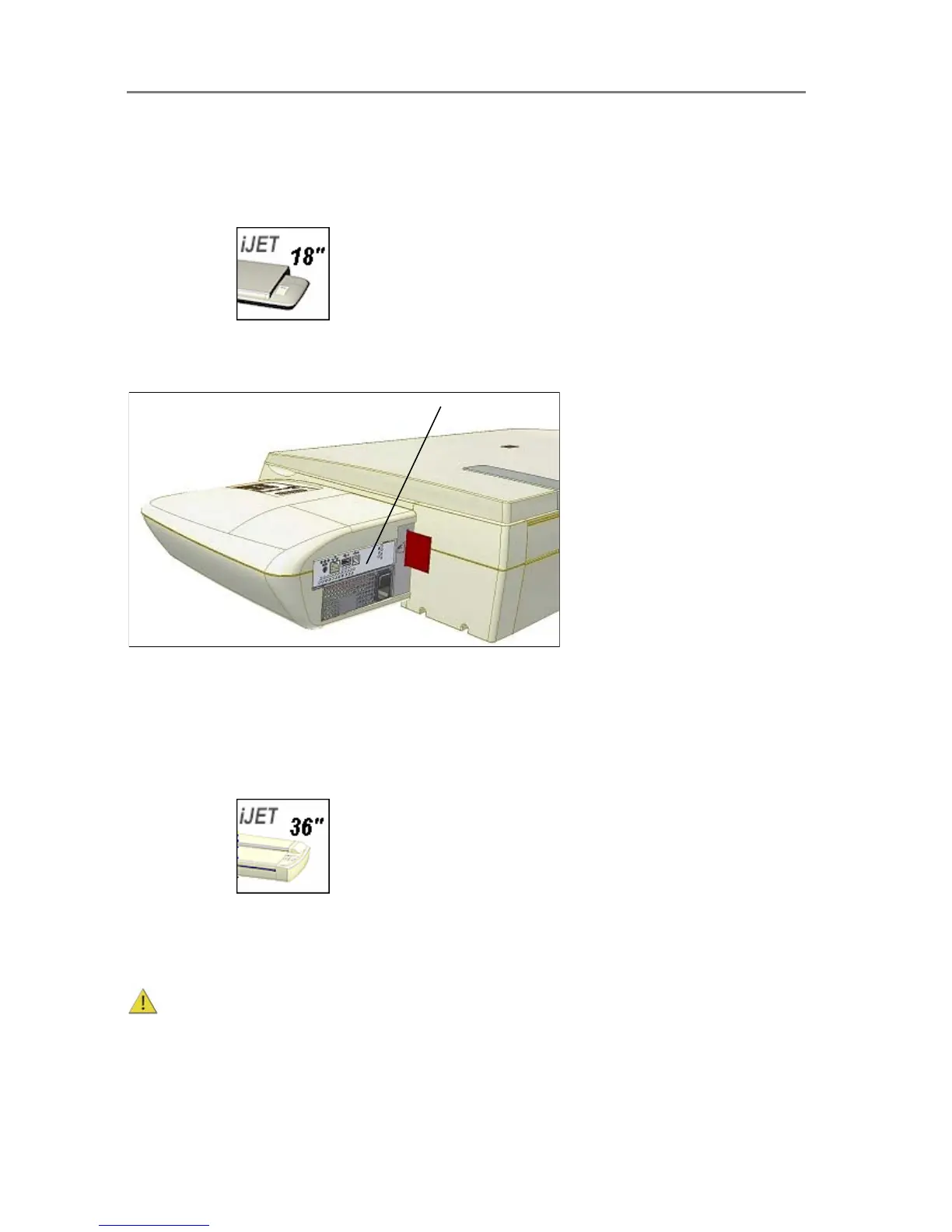
Locate the cable-connector-panel
On Scanners:
The scanner has LAN, USB device (input) and USB host (output) interface connectors grouped
in a cable-connector-panel. You will find the cable-connector-panel by removing the scanner’s
right side cover. You feed the interface cable through the opening in the back of the scanner
until it emerges in front of the cable-connector-panel.
Be sure to reattach the cover after you connect the interface. The cover must always be
closed before you turn the scanner ON.













 To Next Page