Configuration and Setup 3-15
You should not place the scanner in a built-in installation unless proper ventilation is
provided.
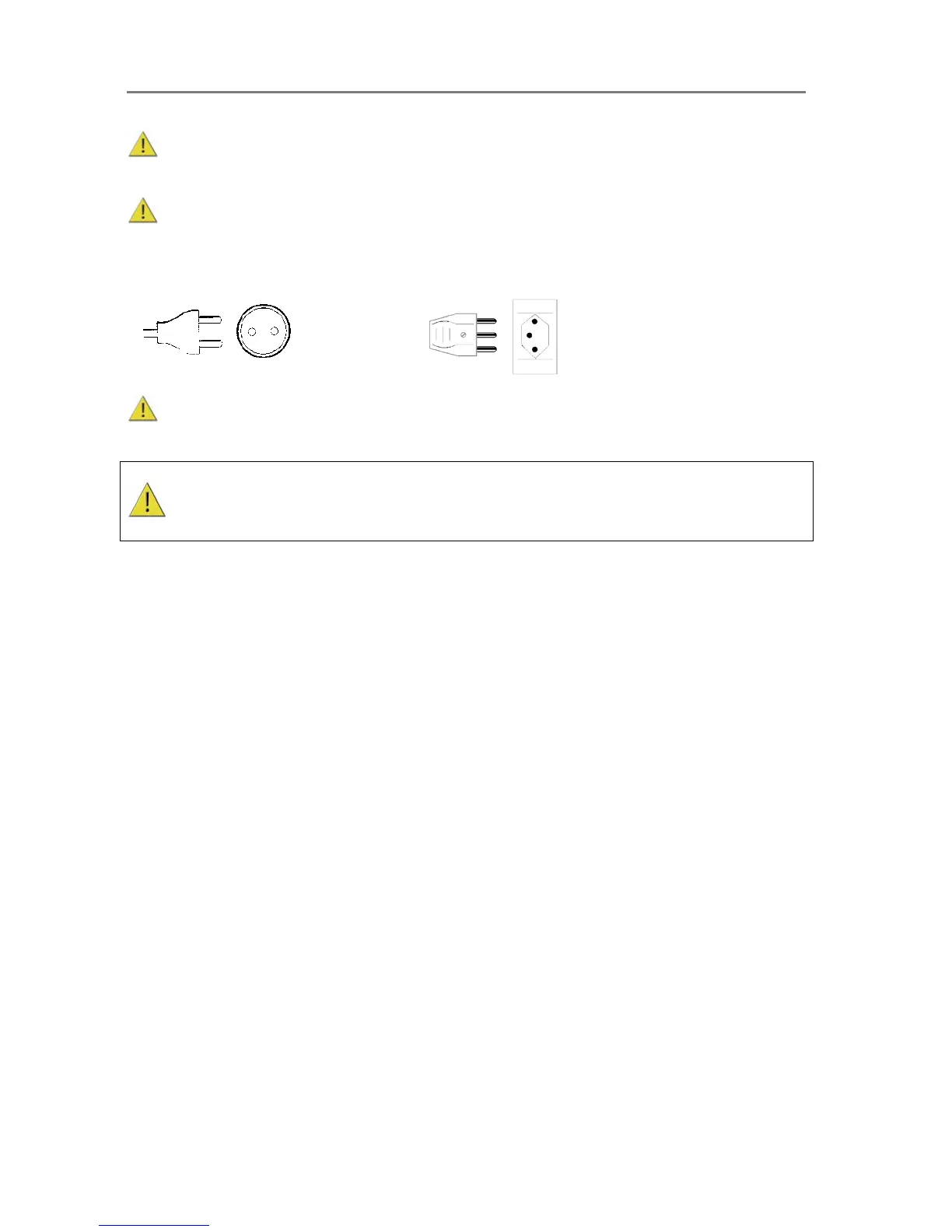
The scanner is equipped with a three-wire (pin) grounding type plug. This plug will fit only
into a grounding-type power outlet. This is a safety feature. If you cannot insert the plug into
your outlet, contact your electrician to replace the outlet and ensure a grounded power
connection. Do not try to defeat or ignore the purpose of the grounding-type plug.
X
Make sure the PC connected to the scanner is likewise power-connected to a grounding-
type power outlet with a three-wire (pin) grounding type plug.
See also the Safety Instructions at the end of this operator’s guide.













 To Next Page