Installation 3-6
Locating the Smart Card
On Scanners:
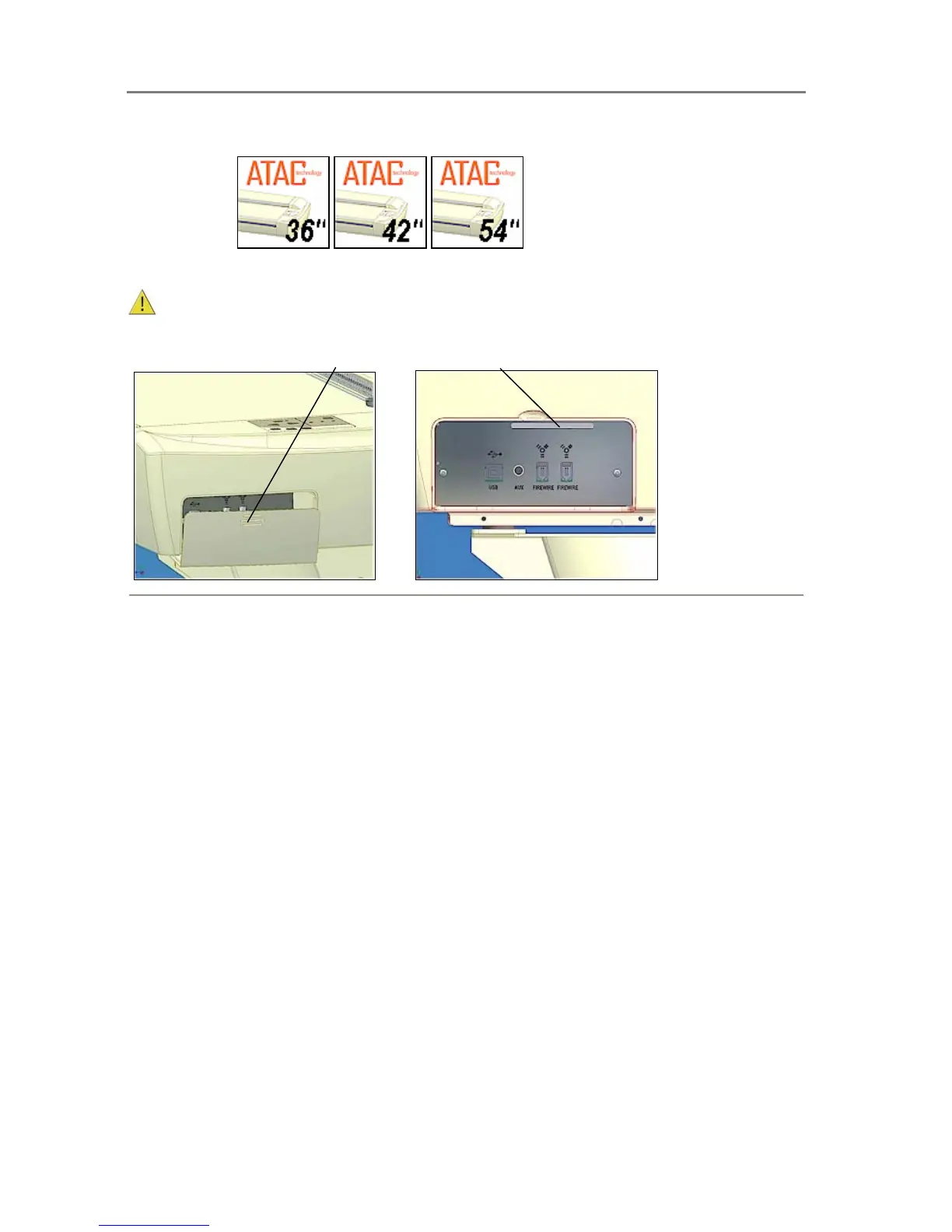
On these models you will find the Smart Card by removing the scanner’s right side cover. The
Smart Card is placed in its insertion slot above the scanner interface connectors.
Be sure to reattach the cover after inserting the smart card. The cover must always be
closed before you turn the scanner ON.
Remove the scanner’s right side cover
Smart Card slot above interface connectors













 To Next Page