Using the scanner, how do I …? 6-3
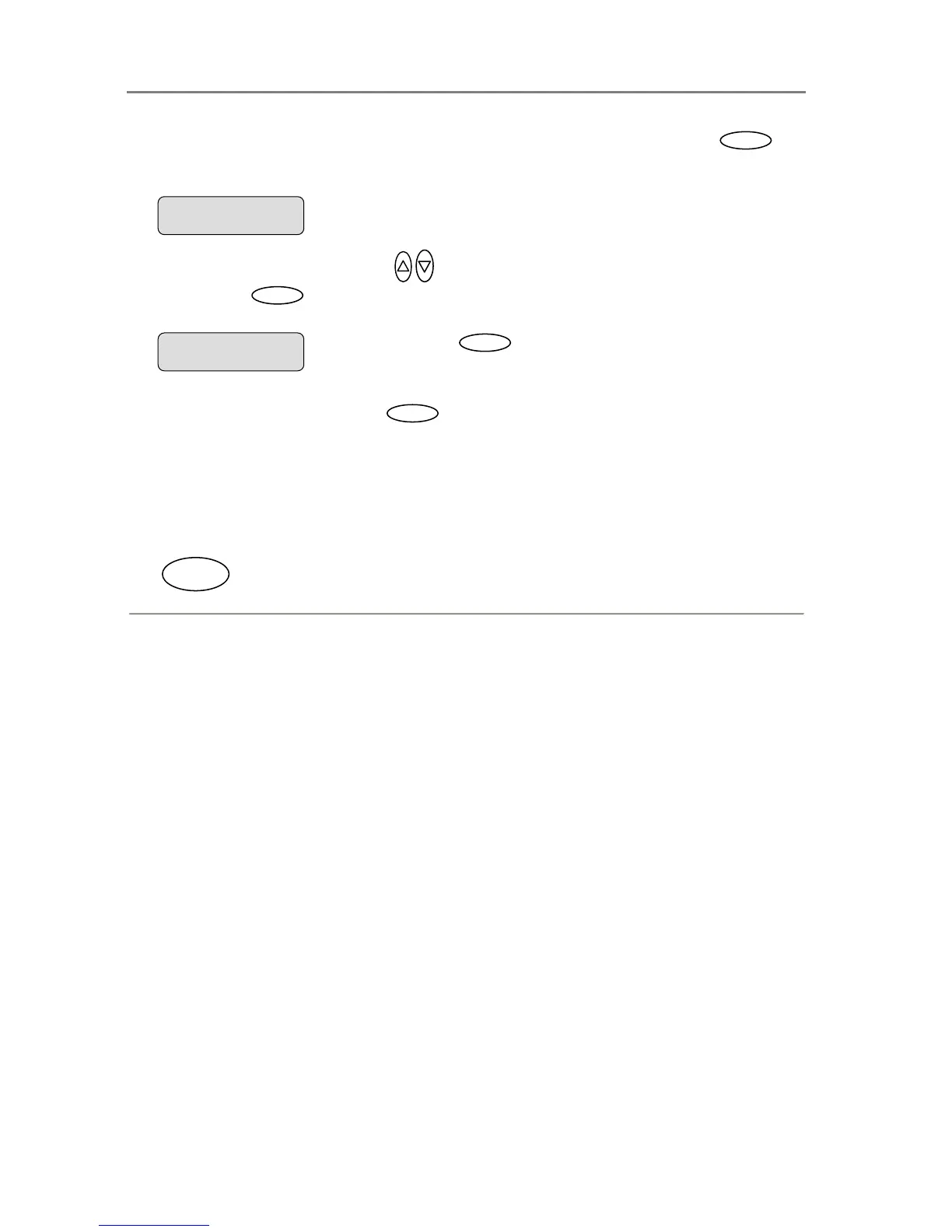
6. If you want to change the scan-to-file settings - Confirm the scan target with
Enter
to
move into the Scan-to-File Menu
. The first Scan-to-File Menu option Scan Mode will be
shown in the display.
7. Press the arrow up/down buttons
to move through the options in the Scan-to-File
Menu. Press
Enter
to move the “>” marker down so you can change the current option’s
value.
8. The Scan-to-File Menu will take you through different options. Each option must be
confirmed by pressing the Enter
Enter
button. The Scan-to-File Menu and its options
are described in the next section.
9. Your new scan-to-file settings will be tied to and stored with the target PC name you
selected in step 3 and they will be recalled next time you select the same target PC from
the iJET Panel.
10. When you have finished making your settings, press the Scan button to send your scan to
the target PC.
Scan
When you press
Enter
, the “> “marker moves
down indicating you can change the option value.
Scan Mode
> 24-bit Color
Entry into the Scan-to-File Menu
> Scan Mode
24-bit Color













 To Next Page