Maintenance 7-14
11. Insert the lamp-unit all the way so the internal power connections engage with the
connections on the lamp-unit.
12.
Close the lamp cover – Slide the cover to the left until it CLICKS shut. The cover must
always be closed before turning scanner power ON.
13. Test the replacement by turning power on to see if the lamp lights.
14. Reset the part replacement counter that triggers the warning flag -
Press the arrow down button to reach Reset Lamp Cnt., press
Enter
and use the arrow
down to select Yes. Confirm with Enter.
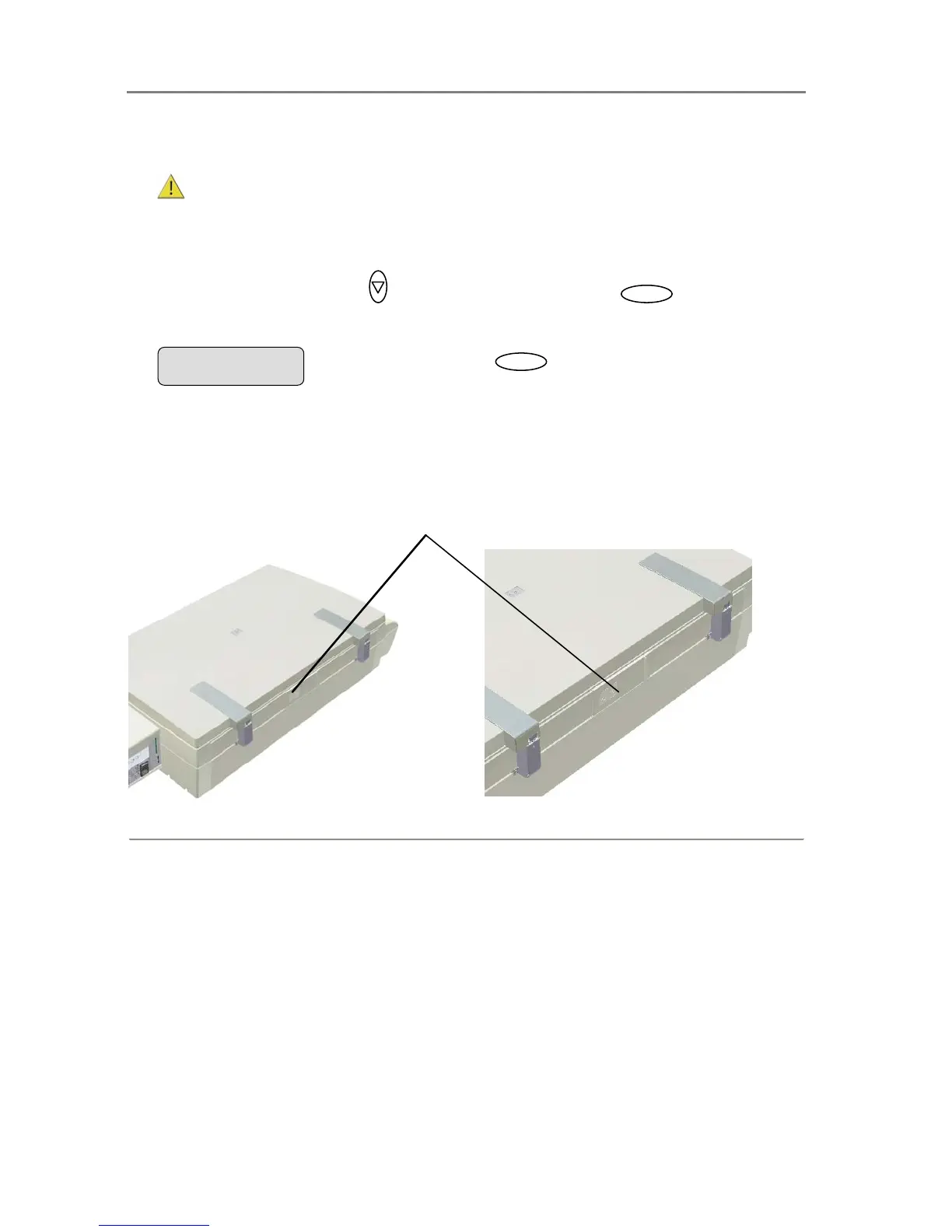
The following illustrations show removing and inserting a lamp unit. The lamp must be
positioned for removal through the iJET Panel:
To replace the lamp-unit:
Locate the lamp cover on the backside of the scanner. Use the iJET panel to position the lamp for removal.
Press
Enter
to confirm reseting
the lamp part replacement counter
Reset Lamp Cnt.













 To Next Page