Maintenance 7-18
Replacing the Dust-filters:
On Scanners:
1.
Turn the scanner power off and disconnect the power plug.
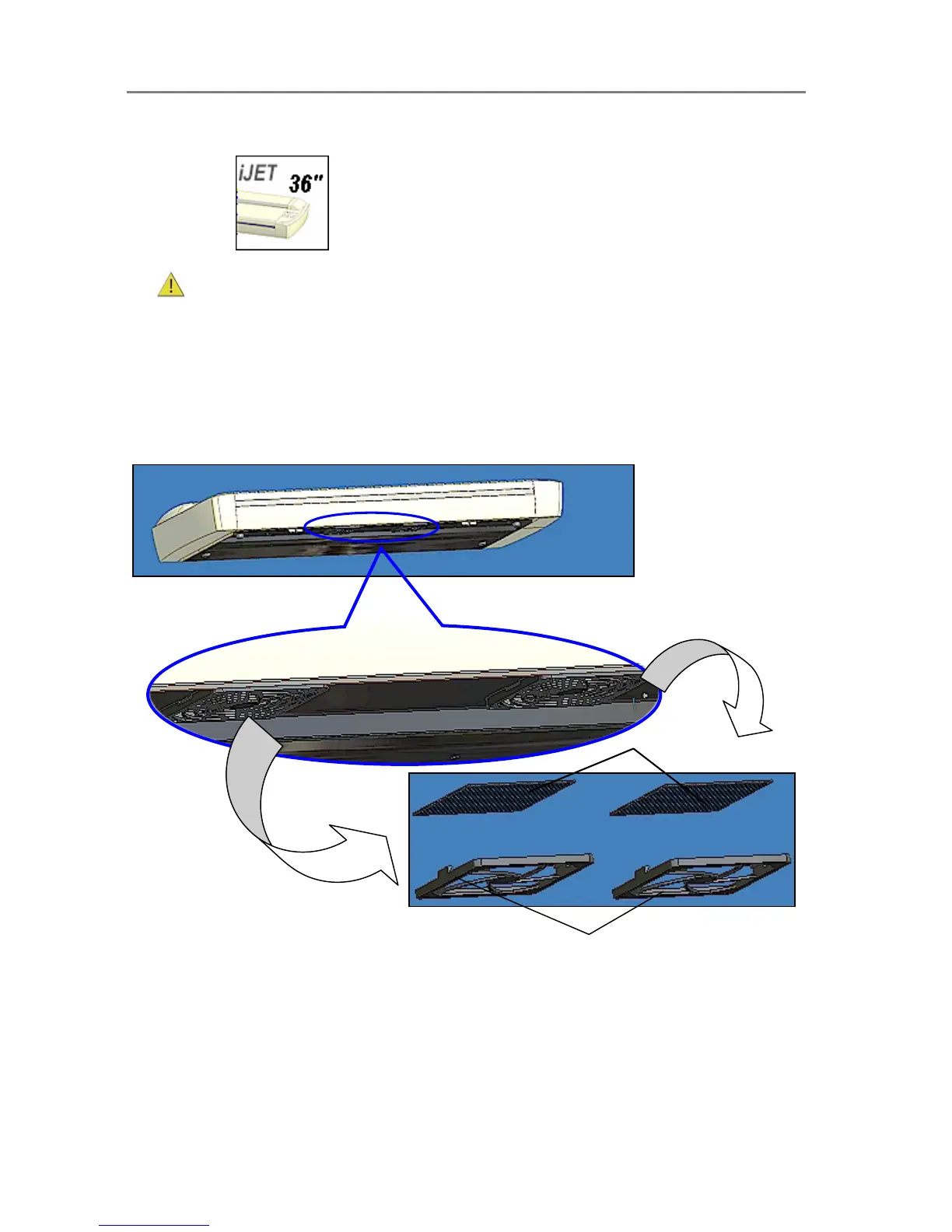
2. Locate the 2 square-shaped dust filter bins on the underside of the scanner.
3. Pull down on the edge of a dust filter bin to detach it from its frame.
4. The filter (soft material) is inside the bin. Remove the old filter and replace with a fresh one.
5. Reattach (click on) the bin to its frame on the underside of the scanner.
6. Repeat the process with the second filter.
Changing the Dust-filters:
The filter bins on the underside of the scanner. Pull down on a filter bin’s ed













 To Next Page