The iJET Panel 2-7
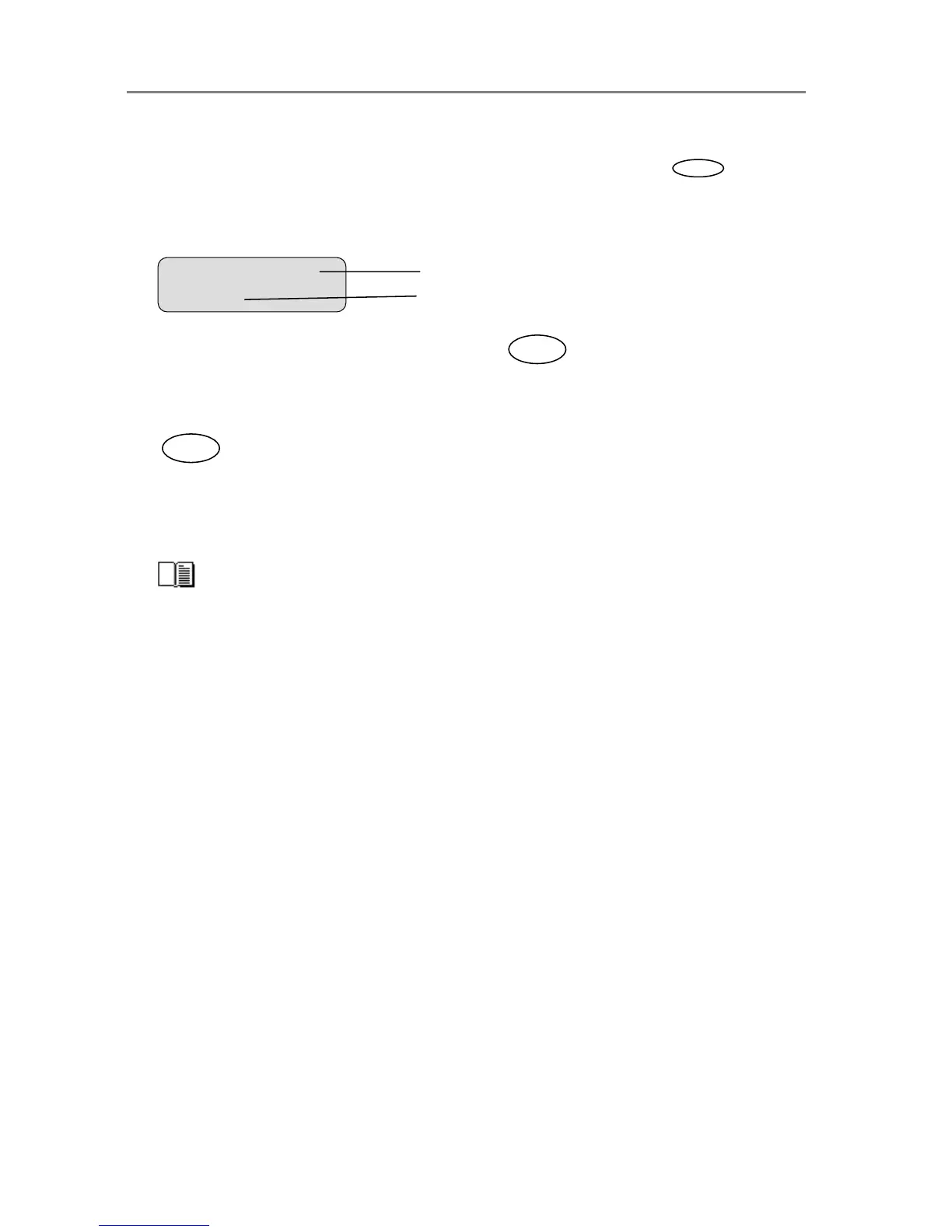
7. From the display window shown above to the display window below: The user pressed the
arrow down button until the value “Line” was displayed and then pressed to accept
that value as the new setting for the “Org. type B&W” option. The “>” marker moved back to
the menu option item level enabling the user to continue navigating the menu with the arrow
up/down buttons.
8. When in a menu, you can press the Back button
to return to a previous menu
level or to reset the active option item to its last saved value.
9. Press the Stop button if you need to cancel a started scan-to-file or copy job.
10. The copy area quick buttons Lightness, Quality, Copies and Scale are shortcuts to option
items behind the Menu button. Their values can be changed through repeated pressing of
the quick button or else in the traditional manner with the arrow up/down buttons as with
other menu option items.
The quick buttons Lightness, Quality, Copies and Scale are described in detail in the
relevant sections of the chapter “How do I Make a Copy”.
> Org. Type B&W
Line
Menu option item
Current settin













 To Next Page