Secon 5 - Engineer’s Program
If the search returns no informaon or the account details are incorrect then contact our
helpdesk on 1-800-628-8363 for assistance.
The control board serial number must be assigned on our server before you can proceed.
5. Once your customer ID has been accepted you will be asked to enter a Machine ID.
Using the keyboard displayed on the screen enter the atlas board serial number and
press Save.
6. When prompted select Validate to conrm the number you have entered is correct.
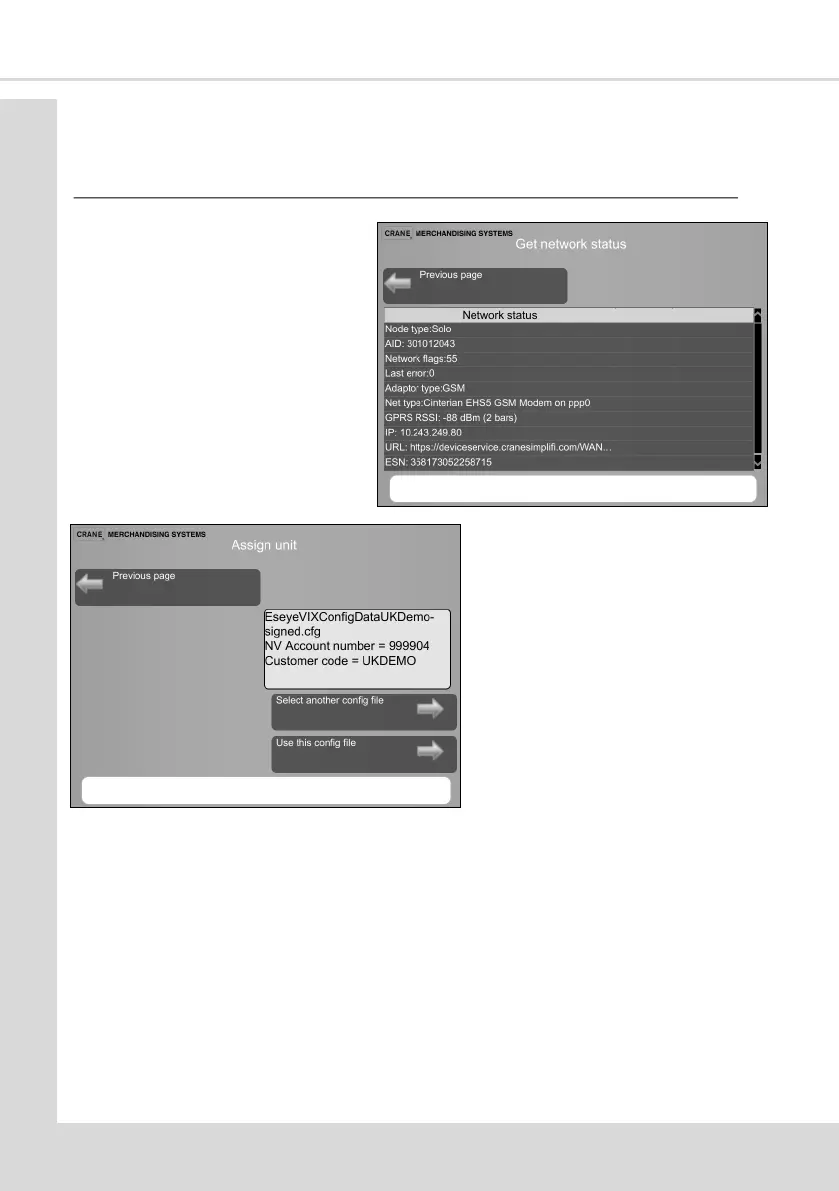
2. Select Get network status ensure
the signal strength is 1 bar or
above
3. Insert USB sck containing the VIX
le into USB3 on the atlas board
and select Assign Unit.
4. Select the correct le and select
Use this cong le.



 To Next Page