Secon 4 - Customising the User Interface
Technical Manual
4.13 Nutrion Info (only applicable if all the ingredients have been calibrated and
necessary informaon loaded.
This enables the nutrional informaon associated with the selected drink to be displayed
on the User Interface.
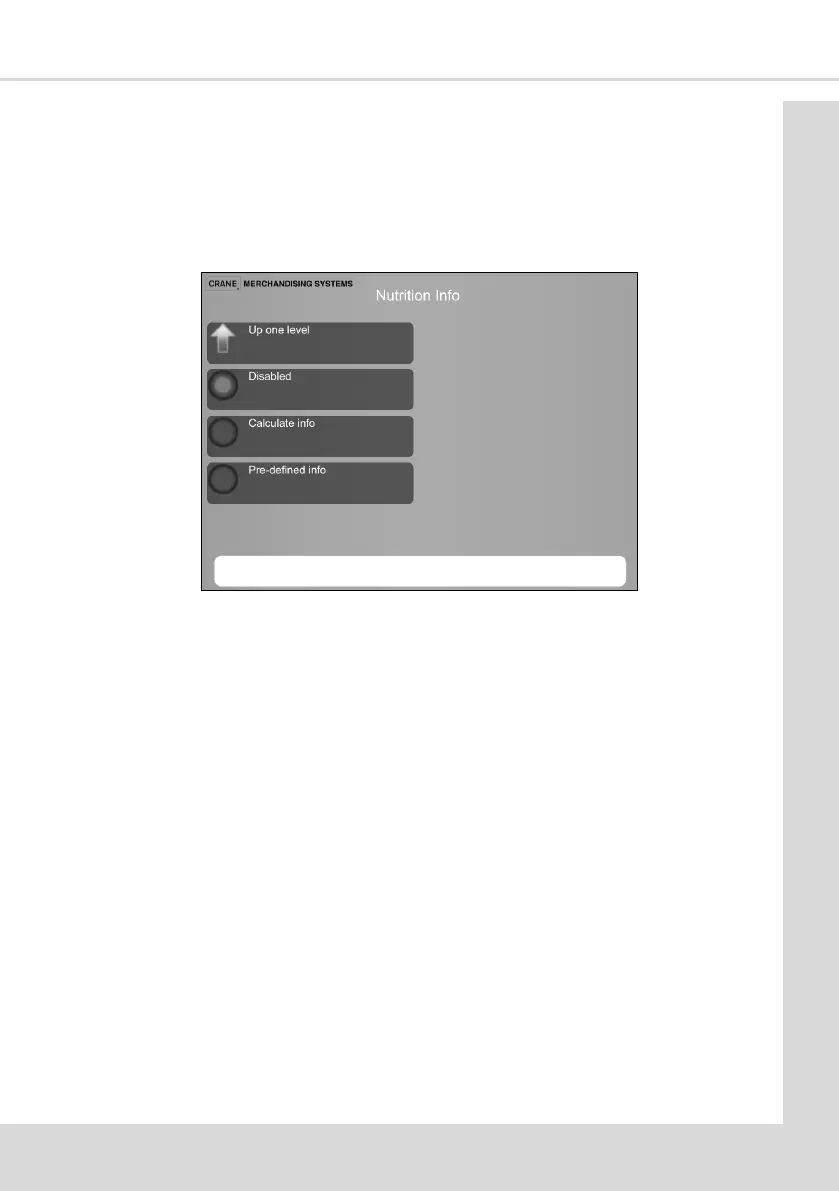
1. From the Main Menu select Product Configuration Page and then once Nutrition Info
is selected you will see the following screen.
2. Select Nutrion Info to Enable / Disable this feature and then choose between the two
ways to enter the nutrional value of the selected drink:
Calculate Info
This is used to calculate the overall values for that drink.
For example if you select:
A white coee, the ingredients are milk and the coee,
An extra white coee with medium sugar, the ingredients are extra milk,
coee and medium sugar.
Pre-dened Info
This will show a maximum value for that drink irrelevant of what strengths are
selected.



 To Next Page