Secon 4 - Customising the User Interface
5. A Copy selected les conrmaon screen is displayed.
6. Select Yes to continue.
7. Repeat the above procedure for each set of images or videos to be copied from the
Copy content from USB stick screen.
8. On completion select Up one level to return to the Product Configuration screen.
4.6 Select the Images for Display
To apply the images or videos to the User Interface from those stored on the machine:
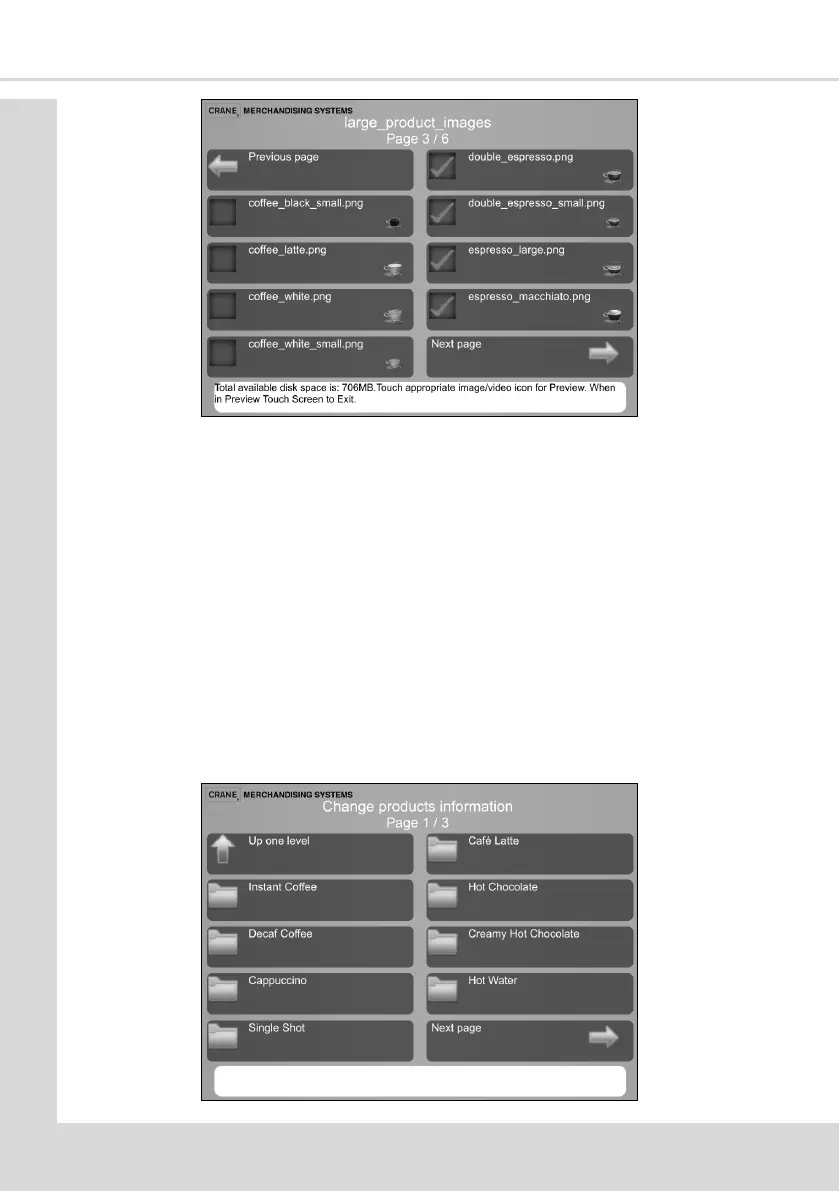
1. From the Main Menu select Product Conguraon and then Change products
informaon to display the following screen.
2. This screen displays all the selecons which are available from the machine (there may
be more than one screen).



 To Next Page