Secon 3 - Programming Mode
Technical Manual
3. Select Service Menu
3.3 Program Entry
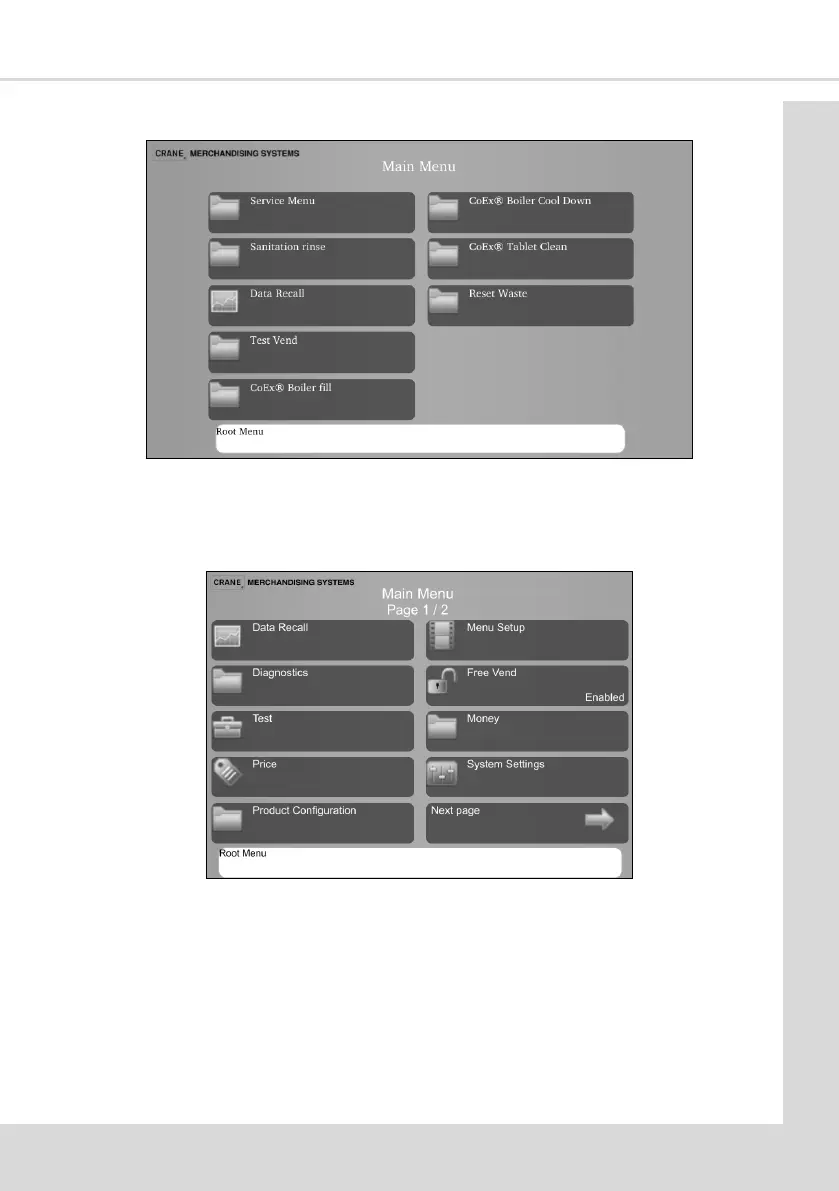
Programming mode ulises similar interfaces as the one seen below and enables the
engineer to view and amend the service menus.
3.4 Navigang through the Menu Display
All machines have full colour screens making navigaon of the programming menu
structure easy and intuive. You should always check the Root Menu area of the screen as
there are oen prompts and reminders shown in this area.
1. There are two levels of programming mode and both are passcode protected:
Operator - this menu oers limited access to the soware program, enabling
drinks to be congured, data to be extracted and med procedures and events to
be programmed.



 To Next Page