Secon 4 - Customising the User Interface
Technical Manual
4.5 Copy USB Stick Content
The images on the USB sck can be viewed as follows:
1. On entry to the Engineer’s Program the Main Menu is displayed.
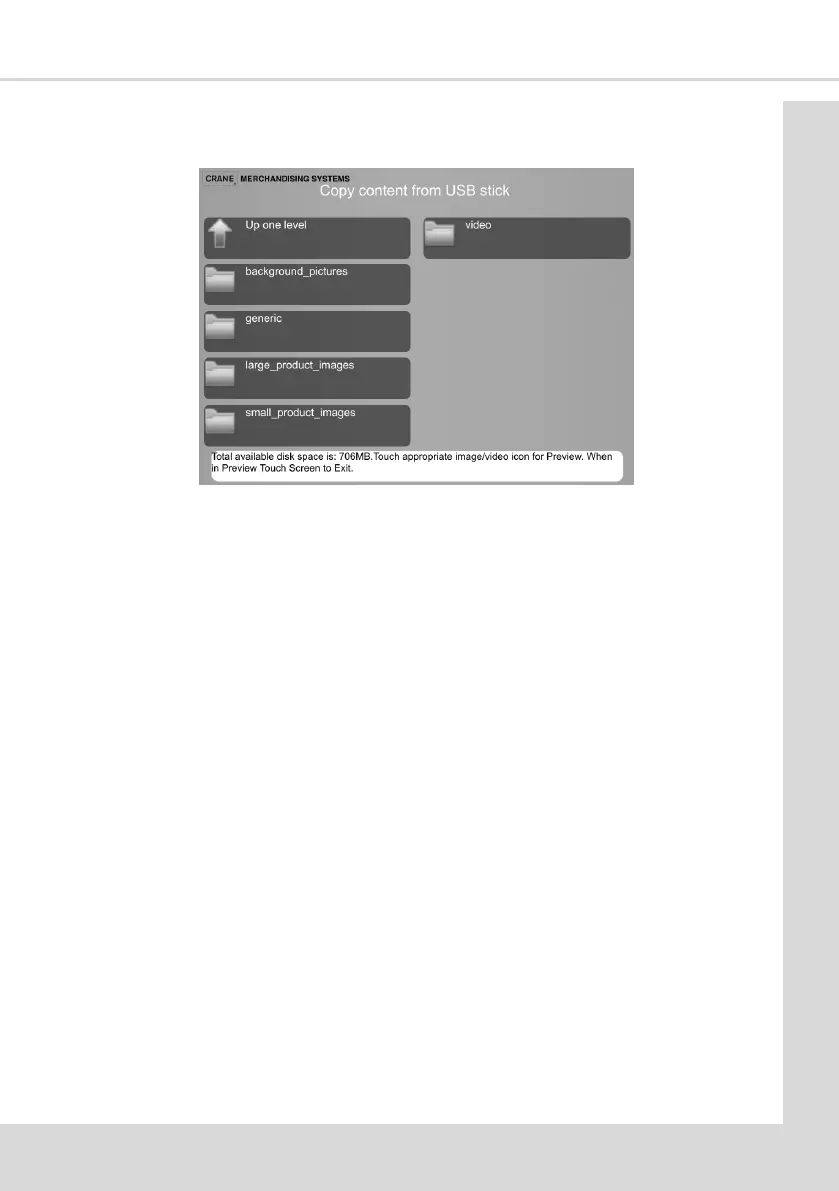
2. Select Product Conguraon and then Copy content from USB sck to display the
following screen.
3. Be aware of the available disc space as shown at the boom of the screen.
The following example shows how to copy Large Product Images from the USB sck onto
the machine and select them for display on the User Interface.
Note: The other image and video types are copied and selected for use in the same way.
1. Select the required image type you want to change.
2. For this example we select the Large Product Images opon to display the following
screen.
Note: There may be further screens of images, select Next page to display them and
Up one level to return.
3. Select all of the images to be copied.
4. With all the required images selected select Copy selected les opon.



 To Next Page