Secon 3 - Programming Mode
Engineer - this menu enables full access to the program to congure and run test
procedures within the machine. This is detailed fully in Secon 5.
1. Once access has been gained to the programming mode the screen displays the
programming Main Menu. Most subsequent menus follow the same format as this root
menu.
2. In certain conguraon menus the current value is displayed against the item.
3. Navigaon between mulple pages is via a Next page icon and to return to a higher
menu via a Up one level icon.
4. Where a conguraon parameter has been changed a Save icon maybe available to
save the seng and return to the previous screen.
3.5 Entering or Updang Parameters
There are various forms of screens to change the conguraon parameters of the machine,
from Check Boxes, Radio Buons to Value Increment and Value Entry.
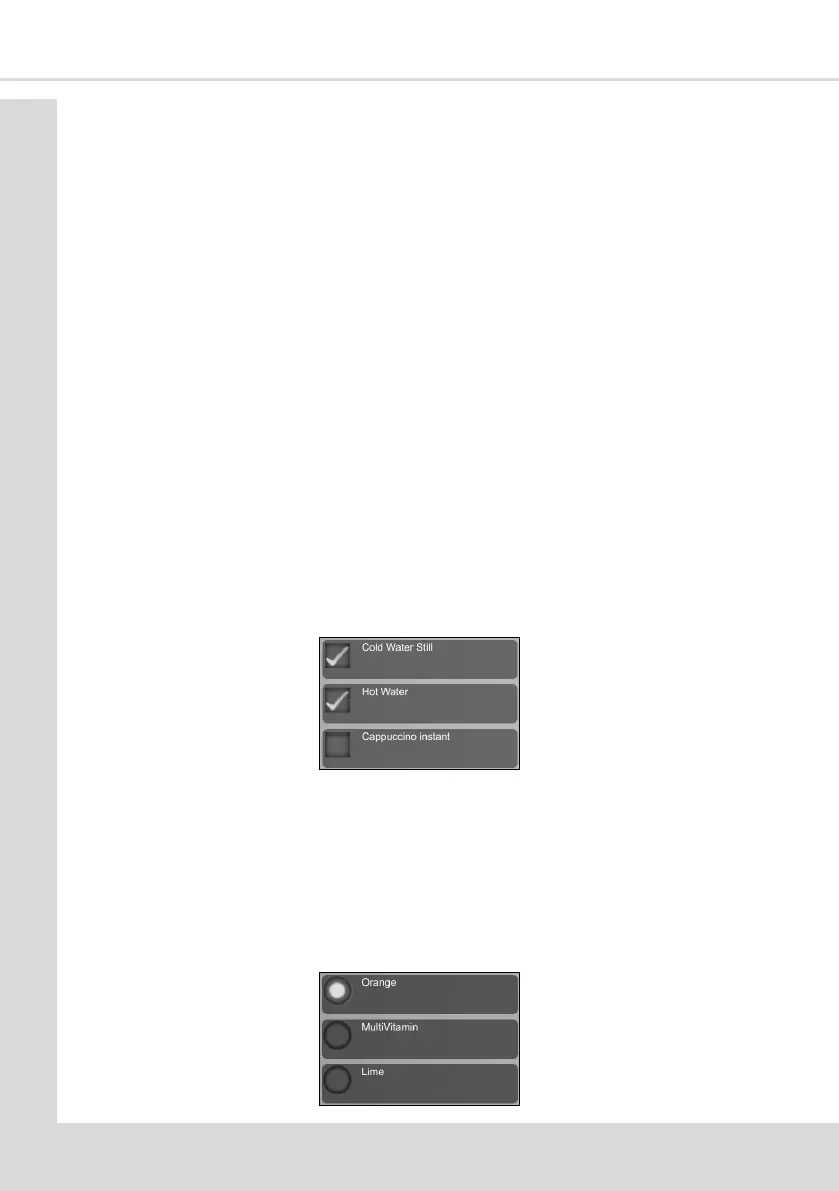
3.5.1 Check boxes
These are used where there is a mulple selecon of parameters available, in this example,
drink selecons.
1. Select the required opons and a ck appears in the check box. Select again to remove
the ck.
2. When all the required opons have been made select the Up one Level icon to return
to the previous screen.
3.5.2 Radio Buons
These are used to turn funcons On/O or to Enable/Disable them , where only one of a
mulple of selecons can be selected. In this example to name the cold drink that is
available.
1. Select the required opon, to ll the radio buon.
2. When the required opon has been made select the
Up one Level icon to return to the previous screen



 To Next Page