Secon 4 - Customising the User Interface
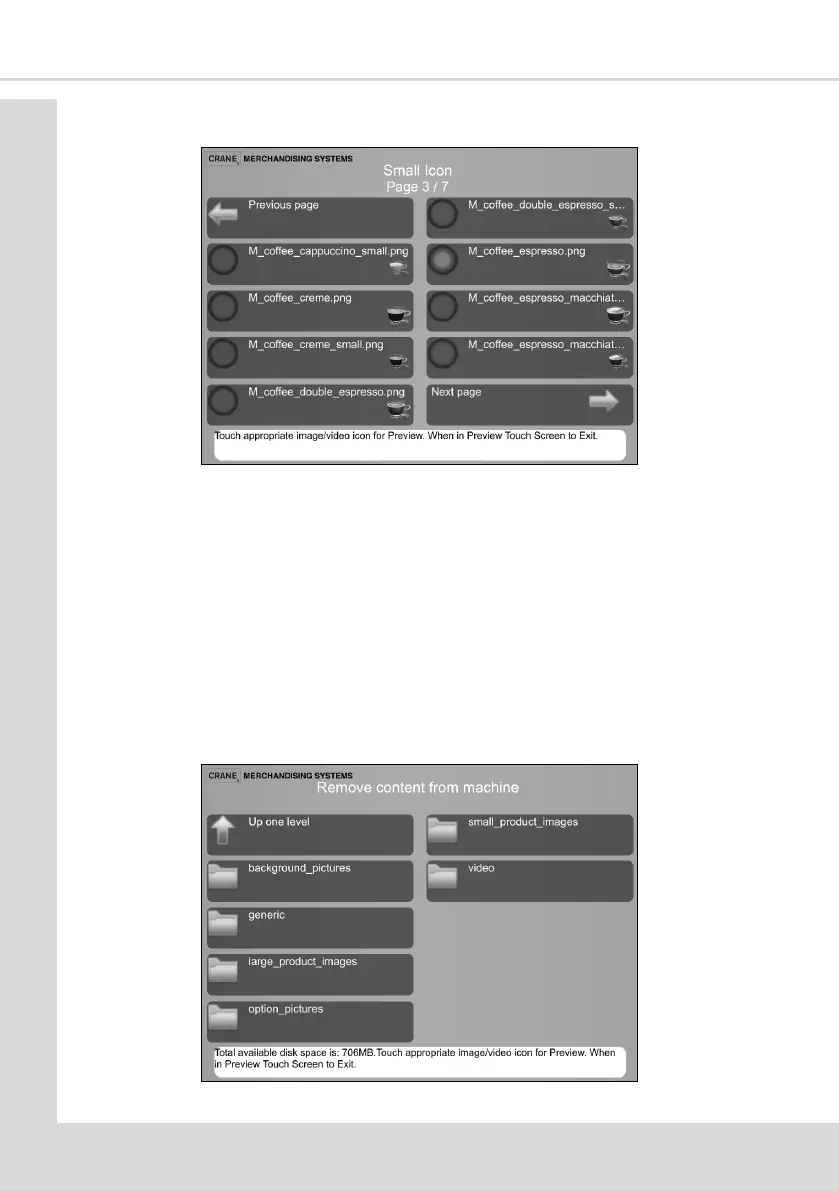
7. Select Next Page to move through the Small Icon images screens.
8. Select the image required to appear against the Instant Coee menu selecon.
9. Select Previous page as many mes as necessary to return to the Instant Coee screen.
10. The new selected image le name is displayed on the Small Icon opon.
11. Select the Up one level opon to return to the Change products informaon screen
where another product can be selected and the required images can be changed.
12. All other image types are changed in the same way.
4.7 Remove Content from Machine
This enables images on the User Interface to be removed. When changing displayed images
they must rst be removed using this screen.
1. From the Main Menu select Product Conguraon and then Remove content from



 To Next Page