Secon 4 - Customising the User Interface
Technical Manual
machine to display the previous screen.
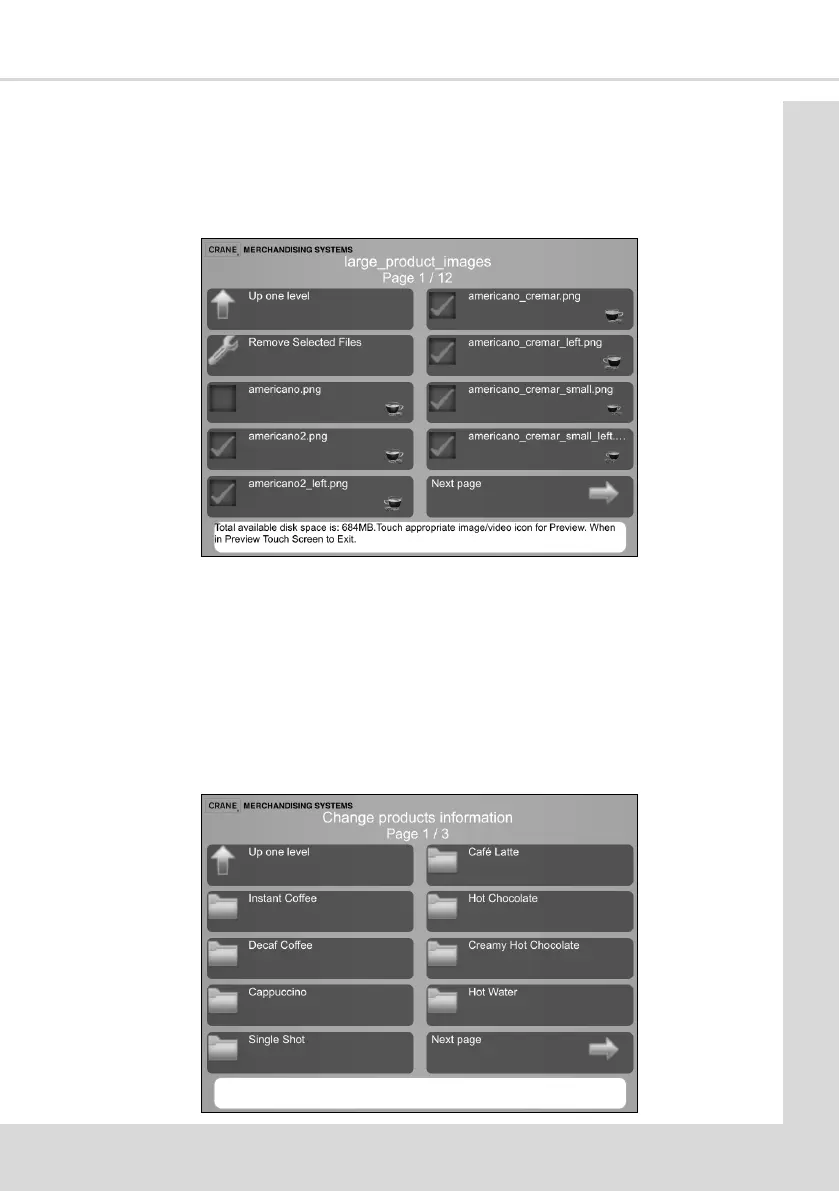
2. Select the image type opon to display the images available.
3. For this example select Large Product Images opon to display all available large
images.
4. Select the images to be removed.
5. With all the required images selected, select Remove Selected Files.
6. On compleon select Up one level to return to the Product Conguraon screen.
4.8 Edit the Product Name and Description
This enables the product and product descripons which appear on the User Interface
selecon Menu to be added or changed.
1. From the Main Menu select Product Conguraon and then Change products



 To Next Page